How to Set Water Reminders Based on Weather and Activity
Set a weather-aware daily goal in DropWise and choose an iPhone reminder schedule that fits workouts, outdoor days, and your usual routine.

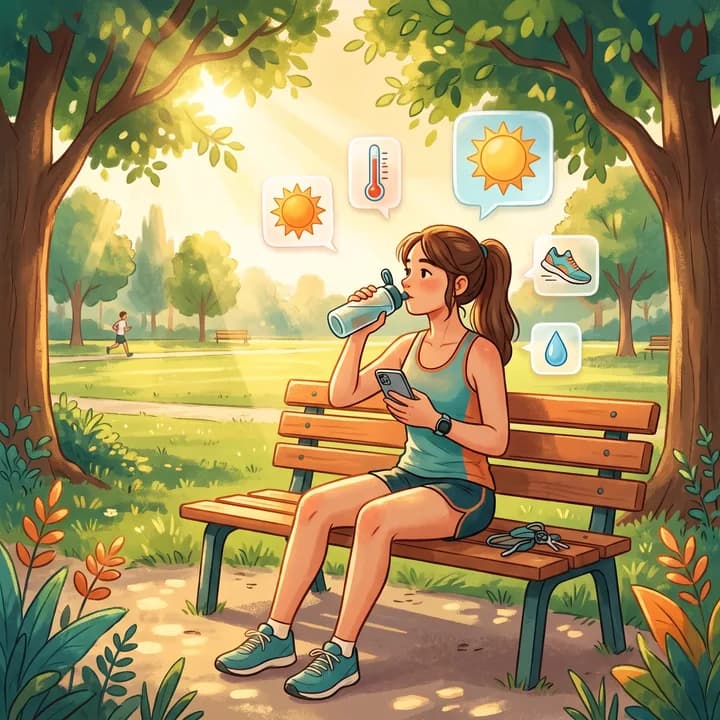
Set it up in 6 steps
- Open DropWise on iPhone and tap Settings.
- In Daily Goal, turn on AI-Powered Water Goal and allow location access.
- Check the weather card: location, temperature, humidity and today's goal.
- Open Notifications, enable reminders and set a start and end time that cover your active hours.
- Choose an interval, tap Save Notifications and allow iPhone notifications.
- On hot or busy days, check the card again with the refresh button and adjust the reminder window if needed.
Turn on the weather-aware daily goal
Open DropWise on iPhone and tap Settings. In Daily Goal, turn on AI-Powered Water Goal and allow location access if prompted. The weather card shows the location, conditions, and today's goal. Use its refresh control if you want to check conditions again. When the feature manages the goal, the manual slider is locked. Turn the feature off to use the slider.
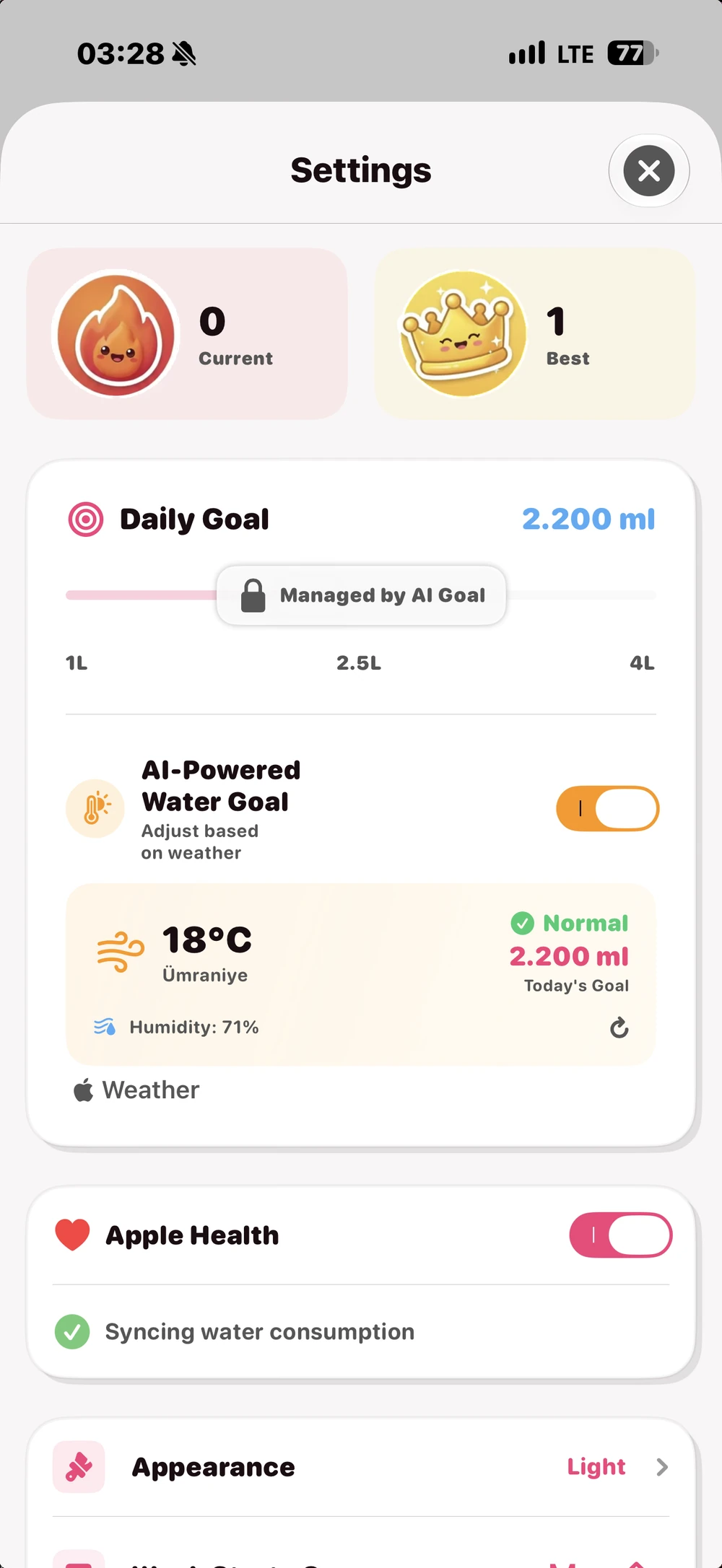
In the reviewed DropWise 4.1.2 code, the weather goal uses Apple Weather through WeatherKit. It considers the warmer of the current temperature and today's forecast high, with humidity contributing in some conditions. A hotter afternoon can raise the day's goal even if the morning is mild. The app's daily goal is an estimate. If you have a heart or kidney condition, or have been told to limit fluids, follow your clinician's instructions. General hydration guidance cannot set your personal fluid limit.
Set the reminder hours around your activity
In DropWise Settings, open Notifications. Enable reminders, set the start and end times, choose an interval, and tap Save Notifications. Allow iPhone notifications if prompted. For a morning walk, set the window to start around the time you leave. For an afternoon workout, choose hours that cover the breaks you normally take. If your routine changes, edit the window or interval yourself.
The weather feature adjusts the daily goal. The reminder schedule uses the times and interval you choose. The reviewed version does not use steps, workout records, or active energy to adjust that schedule or the weather goal.
Decide whether to connect Apple Health or Apple Watch
Both are optional for the iPhone schedule. DropWise's Apple Health integration handles water records through separate permissions. You can leave Apple Health off and still set iPhone reminders. The Apple Watch companion can show progress and log drinks. See the Apple Watch water reminder guide for wrist setup and the iPhone notification troubleshooting guide if alerts do not arrive.
Do you need Premium?
The reviewed 4.1.2 code gates AI-Powered Water Goal behind Premium. The basic reminder schedule and manual goal are available without that upgrade in the reviewed code. DropWise is free to download and offers in-app purchases on the US App Store.
For a product overview, see the DropWise weather goals feature. For general advice on warm days, see how much water to drink in hot weather.
| Your day | Reminder window | Interval idea |
|---|---|---|
| Office day, mild weather | From waking up to early evening | Every 90 to 120 minutes |
| Hot day outdoors | From leaving home until you are back indoors | Every 45 to 60 minutes |
| Morning run or walk | Start the window about when you head out | Every 60 minutes |
| Evening workout | Extend the end time past the session | Every 60 to 90 minutes |
| Rest day or cool weather | Your usual waking hours | Every 120 minutes |
Tips that help
- Location must be allowed for the weather goal. Without it, use the manual slider instead.
- The manual slider is locked while AI-Powered Water Goal is on. Turn the switch off to set the goal by hand.
- If reminders stop arriving, check Focus modes and iPhone notification settings for DropWise.
- The intervals in the table are examples, not medical advice. Thirst, health conditions and your clinician's guidance come first.
Frequently asked questions
Does DropWise change my water goal based on the weather?
Yes. With AI-Powered Water Goal on, DropWise reads Apple Weather for your location and sets today's goal from the warmer of the current temperature and the forecast high, with humidity counted in some conditions.
Does DropWise use my steps or workouts?
No. The reviewed version does not use steps, workout records or active energy for the goal or the reminder schedule. Adjust the reminder window yourself on active days.
Why can't I move the daily goal slider?
The slider is locked while AI-Powered Water Goal manages the goal. Turn the feature off in Settings to set the goal manually.
Is the weather goal free?
No. In the reviewed version, AI-Powered Water Goal requires Premium. Reminders and the manual goal work without it.
Do I need Apple Health or an Apple Watch?
No. Weather goals and iPhone reminders work without Apple Health. Apple Health and the Apple Watch app are optional extras.
How much water do you need?
Enter your weight, exercise and weather for a quick daily estimate.
(155 lb)
Your estimated daily water needs
2.65 L
(89.6 US fl oz)
About 10.5 (250 mL (8.5 fl oz) per glass)
A flexible estimate, not a drinking requirement. Avoid excessive water intake, especially over short periods. Adjust according to thirst, activity, health and medical advice.
Open the full water intake calculator →Related guides

· 9 min read
How Much Water Should You Drink in Hot Weather?
Hot weather raises fluid needs, but there is no single liter target for everyone. Build a safer hydration plan around heat, activity, sweat, health and warning signs.
· 6 min read
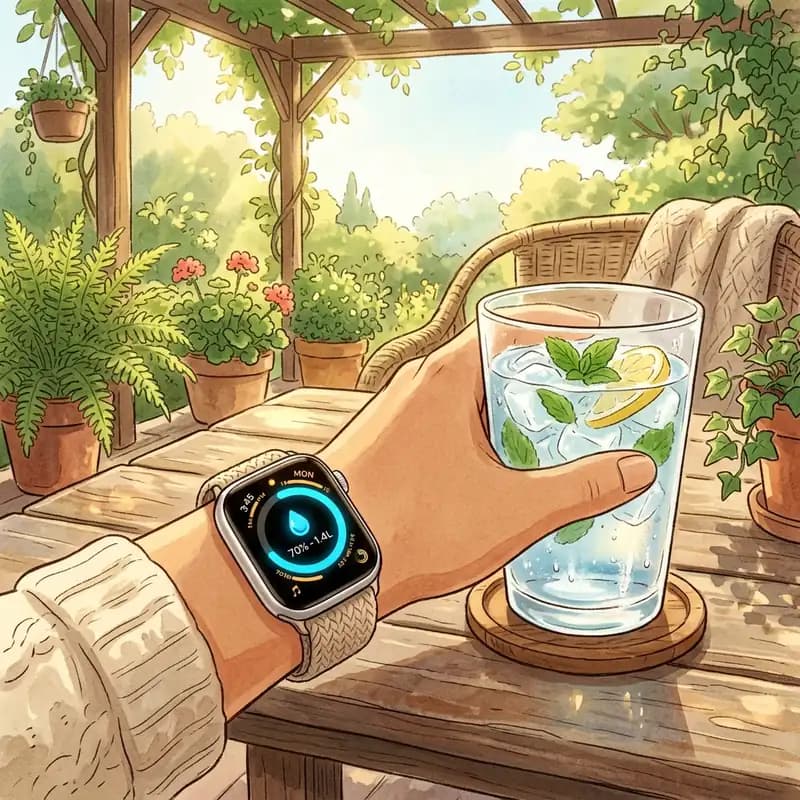
How to Set Up a Water Reminder on Apple Watch (2026)
Set up a water reminder on any Apple Watch (Series, Ultra, or SE). Compare built-in Reminders with DropWise watch face complications and 1-tap logging.

· 4 min read
Water Tracking App Not Syncing With Apple Health?
Find out why DropWise water logs are missing, late, or duplicated in Apple Health. Check Water permissions, data sources, and iCloud sync.
Ready when you are
Download DropWise for iPhone
Track hydration more easily with reminders, Apple Health sync, and a privacy-first flow.
By using DropWise, you agree to our Terms of Use and Privacy Policy.