The Best Way to Use Apple Watch as a Water Reminder
How to turn Apple Watch into a real hydration coach: one-tap logging from your wrist, activity-based goals, and a watch face complication that shows your progress.



The Best Way to Use Apple Watch as a Water Reminder
Apple Watch already nudges you to stand and breathe. Turning it into a real hydration coach takes one more app, but it makes a bigger difference than most Watch features because the reminder and the log happen in the exact same place: your wrist.
Water Reminder - DropWise was built with the Watch as a core part of the experience, not just an afterthought for notifications. It is free on the App Store. Here is what a proper Apple Watch water reminder setup actually looks like.
What a real Apple Watch water reminder should do
A Notification Alone Is Not a Water Reminder System
Most apps treat Apple Watch support as: send a buzz, open the phone app to actually log anything. That breaks the one advantage a wrist device has over a phone, which is that logging can happen in under two seconds without you reaching for anything.
DropWise lets you tap a glass size directly on the Watch and it is logged immediately, synced to your phone and to Apple Health in the background.
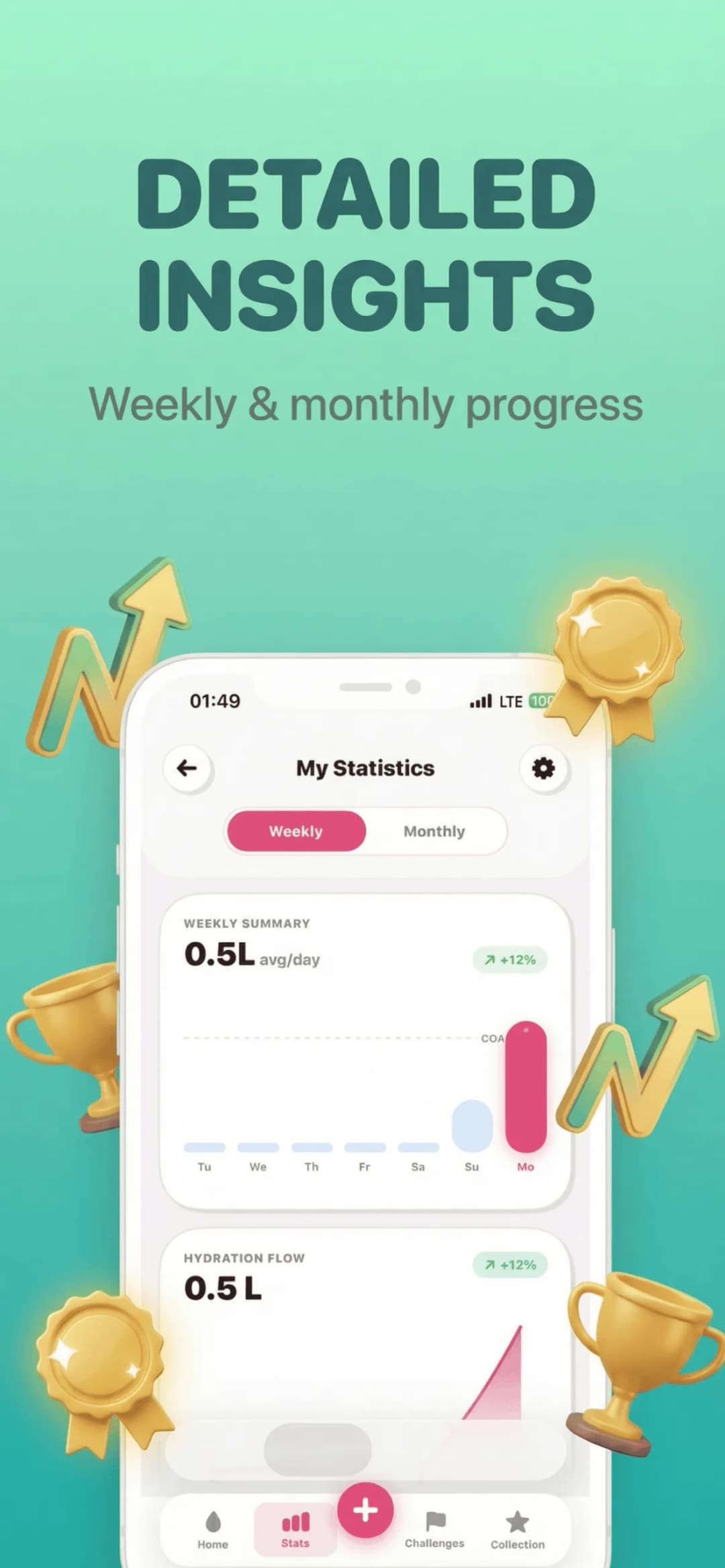
Your Watch Already Knows How Active You Are—Use That
Apple Watch tracks your workouts, standing time, and heart rate all day. A hydration goal that ignores that data and just asks for a flat number every day is leaving useful information on the table.
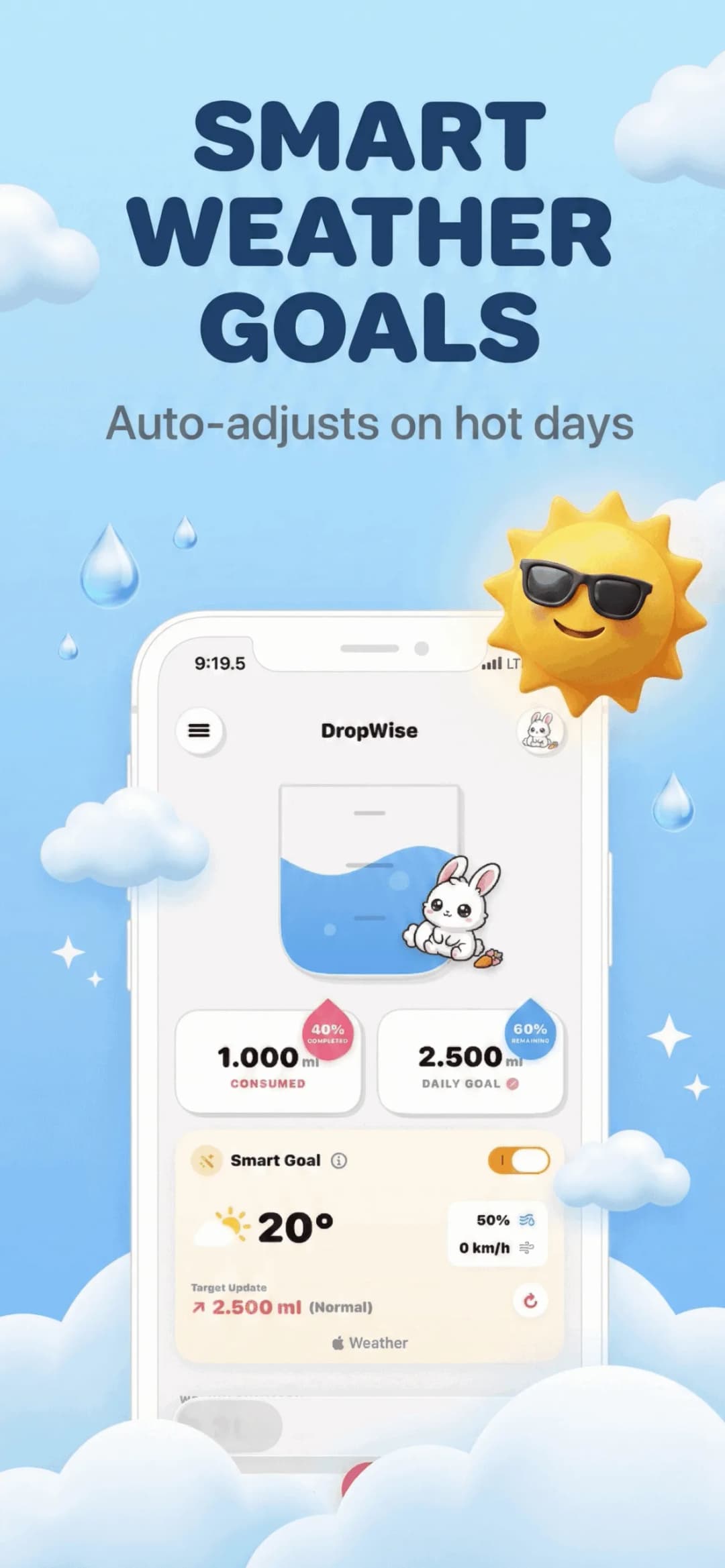
DropWise pulls activity data from Apple Health so a day with a run or a long walk automatically raises your target, instead of you manually adjusting it.
Add a Complication So You Never Have to Open the App
The fastest way to keep a hydration habit alive is seeing your progress without deciding to check it. A watch face complication showing today's intake against your goal does that passively, every time you glance at the time.
Set up your Apple Watch water reminder in three steps
Install DropWise and pair the Watch app
The Watch app installs alongside the iPhone app (or from the App Store on your Watch if automatic install is off).
Add the hydration complication
Long-press your watch face, edit it, and add DropWise as a complication for at-a-glance progress.
Log from your wrist
Tap a glass size on the Watch whenever you drink. No need to unlock your phone.
Frequently asked questions
Do I need the iPhone app if I have the Watch app?Show answer
The Watch app works alongside the iPhone app and syncs to it, but you can log directly from your wrist without opening your phone each time.
Does it use my Apple Watch activity data?Show answer
Yes, DropWise reads workout and activity data from Apple Health to help refine your daily hydration target.
Can I add it as a watch face complication?Show answer
Yes, DropWise supports watch face complications so you can see your progress without opening the app.
Is DropWise free?Show answer
Yes, it is free to download and use on both iPhone and Apple Watch.
Your wrist is the fastest place to build a hydration habit
A reminder that also lets you log in two seconds, right on your wrist, sticks far better than a notification you dismiss and forget.
Download Water Reminder - DropWise on the App Store or see the product page.
Have questions? Support Center
Related guides

· 9 min read
Signs of Dehydration: Early Symptoms and When to Get Help
Learn the early signs of dehydration in adults, from thirst and dark urine to dizziness, which symptoms need urgent care, and how to rehydrate safely.

· 9 min read
Does Coffee Count as Water? What the Research Says
Does coffee count toward your daily water intake? See what studies say about caffeine and hydration, how much is too much, and how to log it.

· 9 min read
Is Your Water Reminder App Private? A Health Data Checklist
Hydration apps can see your weight, routines and Apple Health data. Check these 8 things before you grant access: privacy labels, Health permissions, sync and more.
Ready when you are
Download DropWise for iPhone
Track hydration more easily with reminders, Apple Health sync, and a privacy-first flow.
By using DropWise, you agree to our Terms of Use and Privacy Policy.