iCloud Storage Full but Your iPhone Has Space? Here’s What It Means
iCloud storage and iPhone storage are separate. Learn what each full-storage warning means, what stops syncing, and how to free the right space safely.
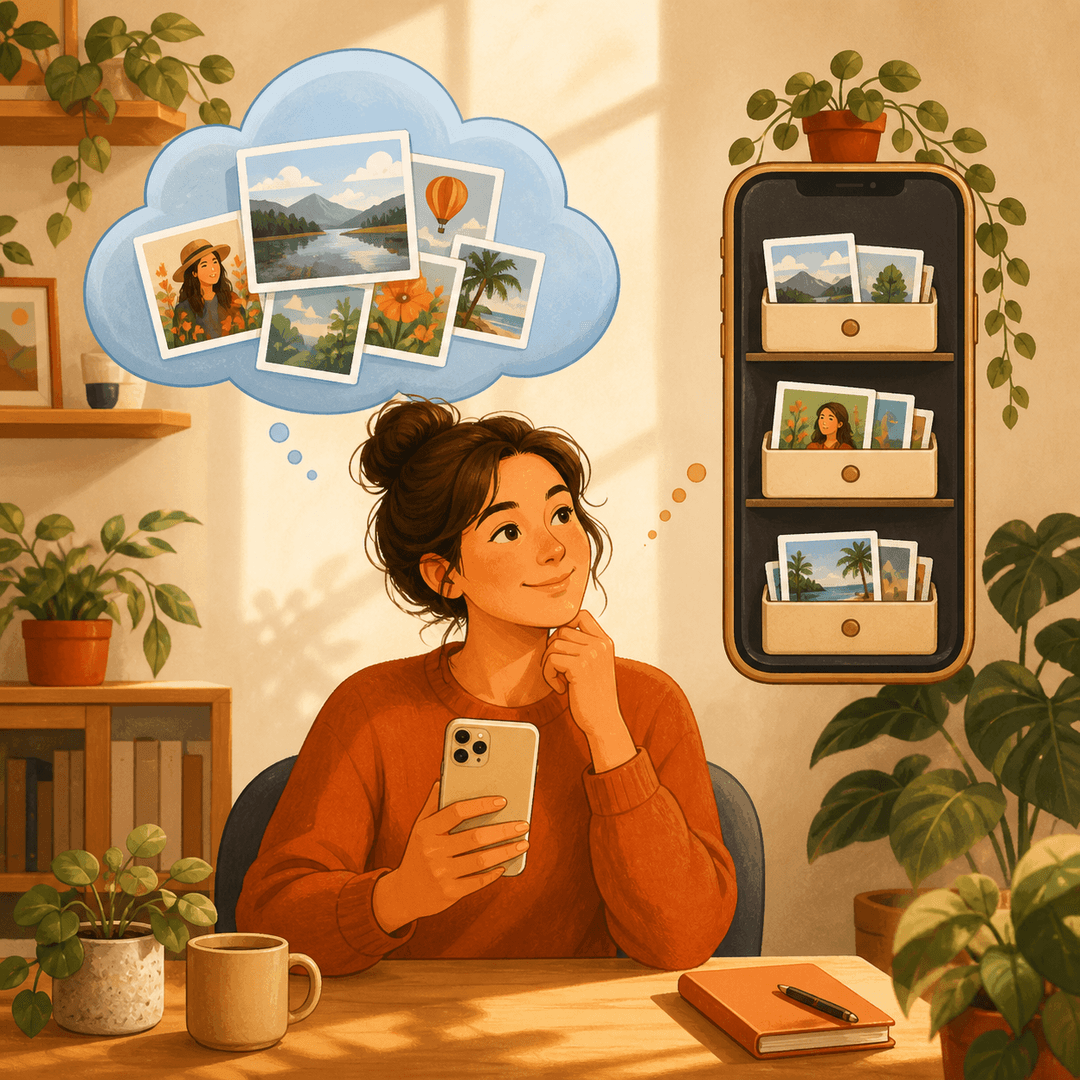
An iCloud Storage Full alert can appear while your iPhone still has dozens of gigabytes available. That is not a contradiction. iCloud storage is your online allowance for backups, iCloud Photos, iCloud Drive, Messages and other synced data. Device storage is the fixed space inside the iPhone for apps, downloads, photos and system files.
The right fix depends on which meter is full. Deleting random apps will not make room in iCloud, and buying iCloud+ will not increase the physical capacity of your phone. Start by checking both meters, then work on the one that is actually blocking you.
iCloud Storage and iPhone Storage Are Not the Same
Apple describes iCloud storage as cloud space that keeps photos, files, notes, backups and other data current across devices signed in to the same Apple Account. iPhone storage is the hardware capacity built into the phone.
Check iCloud at Settings → your name → iCloud. Check local space at Settings → General → iPhone Storage. A full iCloud account can interrupt backups and syncing even when the phone itself has room. A full phone can block downloads, camera capture or updates even when iCloud has room.
What Stops Working When iCloud Is Full
Existing files do not simply disappear, but services that need to add new cloud data may stop updating. A new iCloud Backup may not complete, new photos may not upload, iCloud Drive changes may wait, and synced app data may fall behind.
Before deleting anything, open the iCloud storage breakdown. Backups, Photos, Messages and Drive often account for most usage. The biggest category is the best place to investigate first.
How to Free iCloud Space Without Losing Important Data
Review old device backups and remove only backups for devices you no longer use. In iCloud Drive, download anything you need before deleting it. Review large Messages attachments and app data category by category.
Be especially careful with iCloud Photos. When synchronization is enabled, deleting a photo on one connected device deletes it from iCloud and the other connected devices as well. Export or back up anything important before permanent deletion, then check Recently Deleted.
How Local iPhone Cleanup Can Still Help
Local cleanup matters when the iPhone meter is also tight. Large videos, duplicate and similar photos, screenshots and forgotten downloads can consume the phone’s physical space. If iCloud Photos uses Optimize iPhone Storage, the phone may keep smaller local versions while originals remain in iCloud.
Clean Up Storage - Photo Clean can scan the local photo library on-device for duplicate and similar photos, screenshots and large videos. You review the results before deleting. It does not increase your iCloud plan; it helps you make deliberate choices in the photo library and recover local space.
When Upgrading iCloud Is the Sensible Choice
If the account mainly contains a current backup and a photo library you genuinely want online, repeated deletion may be the wrong goal. A larger iCloud+ plan can be reasonable when the data is valuable and shared across several devices.
Treat an upgrade as a capacity decision, not a cleanup shortcut. First remove obsolete backups and files; then decide whether the remaining library deserves more cloud space.
Find the Full Storage Meter and Fix the Right One
- 1
Check iCloud
Open Settings, tap your name, then iCloud and review the storage breakdown.
- 2
Check the iPhone
Open Settings → General → iPhone Storage and compare available local space.
- 3
Review the largest category
Start with backups, photos, messages, apps or downloads—whichever is actually largest.
- 4
Back up before deleting
Export irreplaceable files and understand synchronization before permanent removal.

Clean the Photo Clutter You Can Control
Use Clean Up Storage - Photo Clean to review duplicate and similar photos, screenshots and large videos on your iPhone. Scanning stays on-device and nothing is removed until you approve it.

Frequently asked questions
Why is iCloud full when my iPhone has free space?▼
They are separate storage pools. iCloud holds synced cloud data and backups; the iPhone has its own fixed physical capacity.
Will buying iCloud storage free space on my iPhone?▼
Not by itself. Features such as Optimize iPhone Storage can reduce local photo usage, but an iCloud upgrade does not change the phone’s hardware capacity.
Does deleting photos from my iPhone remove them from iCloud?▼
If iCloud Photos synchronization is enabled, deleting a photo normally removes it from iCloud and other synced devices too. Back up important files first.
Can I delete an old iCloud backup?▼
Yes, when it belongs to a device you no longer need to restore. Confirm the device name and backup date before removal.
Can Clean Up Storage - Photo Clean clear iCloud storage?▼
It helps review duplicate and similar photos in your accessible photo library and recover local storage. It does not change your iCloud plan or automatically delete cloud data.
Sources
Related guides

· 7 min read
How to Manage iPhone Storage the Right Way (2026)
Settings shows you what is using storage. Here is the full workflow for actually managing and recovering iPhone storage, from Documents & Data to duplicate photos and large videos.

· 7 min read
Why 'Documents & Data' or 'System Data' Gets So Huge on iPhone
System Data has no delete button in Settings. Here is what actually fills it up and how to shrink the part you control: message attachments, app caches, and duplicate photos.

· 6 min read
How to Clear Cache on iPhone (There Is No Single Switch)
iOS has no single clear-cache button. Learn how to clear app and Safari caches, review Photos and Messages media, and use offloading to recover space.
Ready when you are
Download Clean Up Storage - Photo Clean for iPhone
Remove duplicate photos, compress videos, and organize contacts with a privacy-first cleanup flow.
By using Clean Up Storage - Photo Clean, you agree to our Terms of Use and Privacy Policy.