Best iPhone Cleaner App 2026: iPhone Storage Cleaner & Duplicate Photo Remover
This guide explains how Photo Cleaner - Storage Space helps you remove duplicate photos, merge contacts, and free up storage fast.


Looking for the official Photo Cleaner - Storage Space app page?
This page is the comparison and decision guide. For product details, pricing information, and the App Store download link, visit the official page below.
Open Official Photo Cleaner - Storage Space PageBest iPhone Cleaner App in 2026
This comparison hub covers what users actually search before they install: best iPhone cleaner app, duplicate photo remover, contact merge quality, large-video cleanup, pricing clarity, and safety. Use this page to compare options and then move to the official Photo Cleaner - Storage Space app page if it matches your needs.
Key Benefits
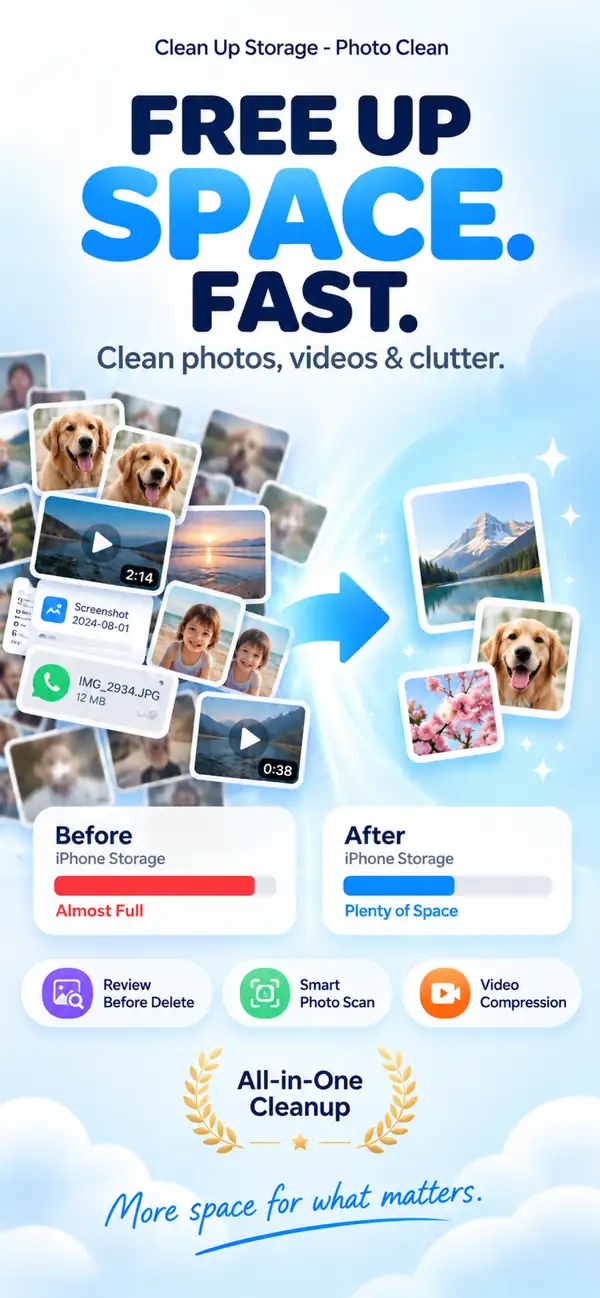
- ✦Quick Storage Recovery
- ✦Safer Duplicate Merges
- ✦Video Compression
1. Remove duplicate photos first
Duplicate photos are the fastest path to space recovery. Photo Cleaner - Storage Space groups them for easy review.

2. Merge duplicate contacts
A clean address book improves reliability and speed in your daily interactions.

3. Compress large videos
Shrink video sizes, often by 50–70%, while keeping them sharp on a phone screen.

Best iPhone Cleaner App for Different Needs
- Best for duplicate photos: users with burst-heavy libraries and repeated angle shots.
- Best for similar photos: people who need review-first grouping instead of risky automatic deletion.
- Best for duplicate contacts: users syncing multiple accounts (iCloud + Gmail + apps).
- Best for large videos: creators and families with 4K clips that fill storage quickly.
- Best for privacy-first cleanup: users who want on-device scanning and no fake speed claims.
Photo Cleaner - Storage Space vs Apple Photos Duplicate Finder
Apple has a useful built-in duplicates tool, but this table shows where third-party workflows still help users with mixed storage problems.
| Criteria | Photo Cleaner - Storage Space | Apple Photos Duplicates |
|---|---|---|
| Exact duplicate detection | Yes, with review-first workflow | Yes, on supported iOS versions |
| Similar photo grouping | Yes, optimized for near-duplicates | Limited and inconsistent by library |
| Contact merge support | Yes | No dedicated merge workflow in Photos |
| Large video cleanup | Compression + review controls | No compression workflow in Photos |
| Decision transparency | Space impact visible before cleanup | Basic duplicate merge flow |
How We Tested and Why You Can Trust This Guide
- Updated March 2026 with current iOS behavior and App Store positioning.
- Checked libraries with thousands of photos, screenshots, and large videos.
- Evaluated duplicate accuracy, similar-photo grouping, and recovery safety.
- Compared claims against iOS platform limits to avoid fake junk-cleaning promises.
Pricing and Free Features (What Matters Before You Install)
- A free starting plan should let you scan and understand where storage is going.
- Premium plans should be clear about which features they unlock (contacts, compression, ongoing cleanup).
- Avoid apps that hide paywalls before showing useful scan results.
- Choose review-before-delete workflows to reduce accidental loss.
3 Steps to a Cleaner iPhone
Scan
Select photos or contacts to scan.
Preview
Check the duplicates found.
Clean
Tap once to free up space!
Frequently Asked Questions
Q: Is it safe?
A: Yes, it works 100% on-device and uses a confirmation system.
Q: Does it need internet?
A: No, all processes are local for your privacy.
Q: Can it merge duplicate contacts too?
A: Yes. Photo Cleaner - Storage Space scans repeated entries and helps you merge them while preserving key details.
Q: Will video compression ruin quality?
A: No. Smart compression focuses on shrinking file size while keeping visual quality high on mobile screens.
Q: How much storage can I realistically recover?
A: Many users recover anywhere from a couple of gigabytes to more than 15GB depending on duplicates, screenshots, and large videos.
Q: Is Photo Cleaner - Storage Space free or subscription-based?
A: You can start free from the App Store. Paid plans unlock deeper cleanup tools, and pricing should be checked in-app before purchase.
Q: Can Photo Cleaner - Storage Space clean screenshot-heavy libraries?
A: Yes. Screenshot cleanup is one of the easiest ways to recover space quickly in large libraries.
Q: Is Photo Cleaner - Storage Space better than Apple’s built-in duplicate finder?
A: For many users, yes. Apple handles exact duplicates, while Photo Cleaner - Storage Space adds broader workflows like similar-photo grouping, contact merge, and video compression.
Q: Can I review every file before deleting?
A: Yes, the intended workflow is review first, then confirm cleanup actions manually.
Visibility & Speed
Photo Cleaner - Storage Space focuses on results you can see instantly.
Scientific Sources
Soares JS, Storm BC. (2022). Does taking multiple photos lead to a photo-taking-impairment effect?. Memory. PMC
Henkel LA. (2014). Point-and-shoot memories: The influence of taking photos on memory for a museum tour. Psychological Science. SAGE Journals
Elmagarmid AK, Ipeirotis PG, Verykios VS. (2007). Duplicate record detection: A survey. IEEE Transactions on Knowledge and Data Engineering. IEEE Xplore
Christen P. (2012). A survey of indexing techniques for scalable record linkage and deduplication. IEEE Transactions on Knowledge and Data Engineering. IEEE Xplore
Related guides

· 9 min read
Organize Photos on iPhone and Free Up Space
Learn how to organize photos on iPhone with albums, folders and People & Pets, then clear duplicates, screenshots and big videos to free up storage.

· 9 min read
Are iPhone Cleaner Apps Safe? A Privacy Checklist
Before you give a cleaner app access to your photos, check these 9 things: privacy labels, permissions, network activity, subscriptions and deletion safety.

· 9 min read
Why Is My iPhone Slow? Storage Problems and Safe Fixes
Low storage can slow an iPhone, but network conditions, battery health and unresponsive apps also matter. Diagnose the cause and recover space without deleting blindly.
Ready when you are
Download Photo Cleaner - Storage Space for iPhone
Remove duplicate photos, compress videos, and organize contacts with a privacy-first cleanup flow.
By using Photo Cleaner - Storage Space, you agree to our Terms of Use and Privacy Policy.