Apple Watch Hydration in Hot Weather: What It Can—and Cannot—Do
Use Apple Watch water reminders, activity context and quick logging to support a hot-weather routine—while recognizing that a watch cannot diagnose dehydration or heat illness.
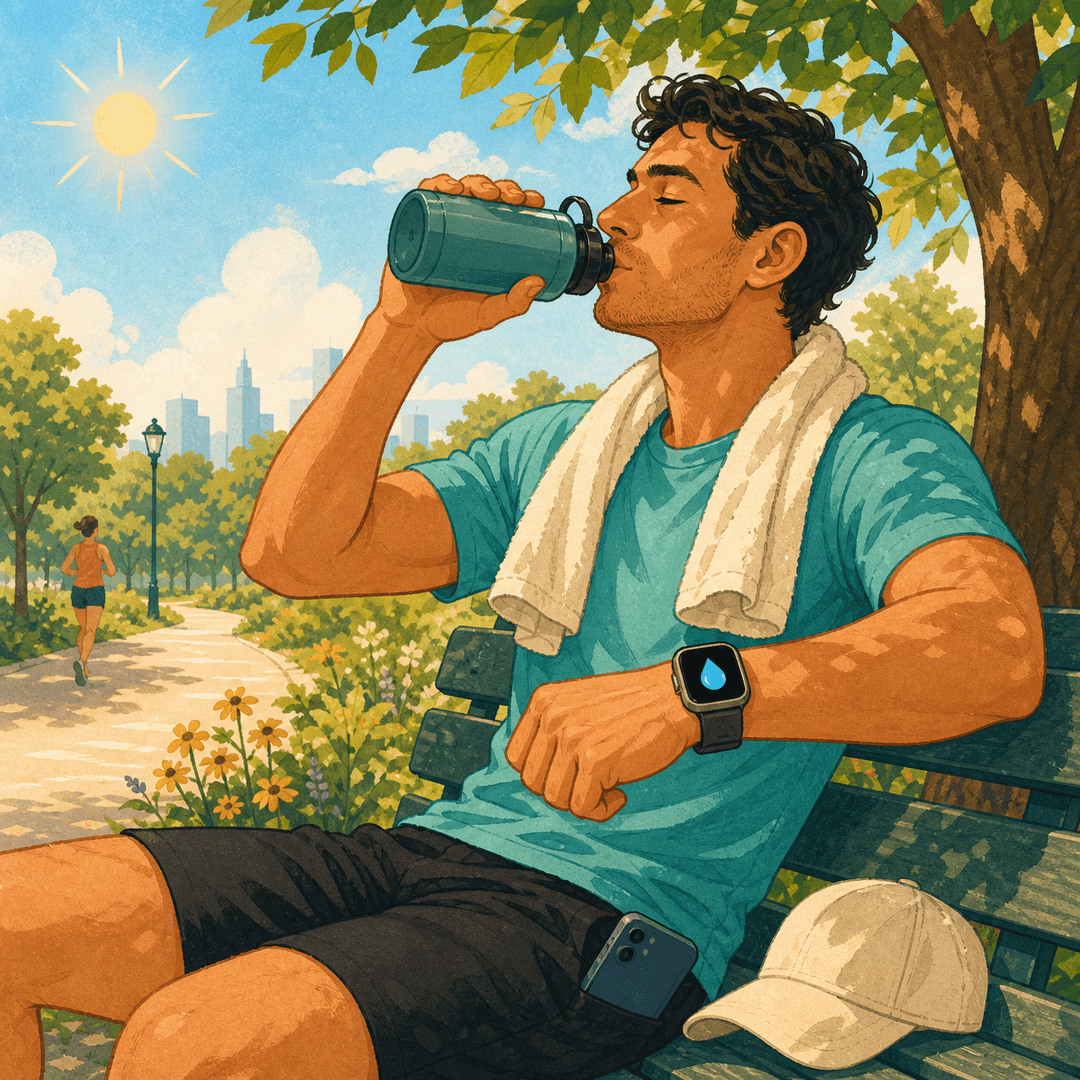
Apple Watch is useful in heat because the reminder, activity context and logging action can all live on your wrist. That reduces friction when your phone is in a bag or pocket. But the Watch does not directly measure hydration and should never be used to rule out heat illness.
The strongest setup combines a weather-aware plan, one-tap drink logging, sensible activity changes, shade and attention to symptoms. Technology supports the routine; it does not replace it.
What Apple Watch Can Contribute
A Watch can deliver reminders, record workouts and make quick logging convenient. Water Reminder DropWise adds a wrist-based drink log, progress complication and synchronization with iPhone and Apple Health.
These features solve a behavioral problem: forgetting. They do not measure blood sodium, sweat rate or total body water.
Set Up a Heat-Aware Reminder Routine
Check the forecast before activity, carry water, add the DropWise complication and choose reminder times that match travel, work or exercise. Log when you drink so later reminders reflect actual progress rather than an empty history.
On unusually hot days, reduce intensity, seek shade and schedule cooling breaks. A higher app goal is not permission to continue unsafe exposure.
Use Workout Data as Context, Not a Formula
Activity duration and intensity can help explain why a hot day differs from a quiet one. DropWise can use Apple Health activity context to support goal adjustments, but individual sweat loss varies widely.
For long or demanding sessions, a personal plan based on experience, body-mass change and professional guidance is more useful than blindly copying another person’s target.
Understand Apple Watch Temperature Limits
Consumer electronics also have operating limits. Direct sun, a parked car or charging in heat can make devices warm and affect behavior. Follow Apple’s temperature warnings and move the device to a cooler environment if needed.
Do not use the Watch as the only safety tool in extreme heat. Tell someone your route, carry fluids and have a plan to stop.
When to Stop Looking at the Watch and Get Help
Dizziness, nausea, headache, cramps, marked weakness or heavy sweating call for stopping activity and cooling down. Confusion, fainting, loss of coordination, seizures or very high body temperature require emergency help.
If symptoms and the app disagree, trust the symptoms. No completed ring or hydration streak makes continued exertion safe.
Set Up Apple Watch for a Hot Day
- 1
Plan before leaving
Check heat and humidity, shorten or reschedule strenuous activity and carry accessible water.
- 2
Add wrist access
Install DropWise on Apple Watch and add its hydration complication to the watch face.
- 3
Log each drink
Record intake when it happens and use reminders as prompts for shade, water and self-checks.
- 4
Stop for warning signs
End activity, cool down and seek appropriate help if heat-illness symptoms appear.

Keep Hot-Day Hydration on Your Wrist
Water Reminder DropWise offers Apple Watch logging, a watch-face complication, weather-aware goals and Apple Health sync. Use it to support a safer routine while staying alert to real symptoms.

Frequently asked questions
Can Apple Watch detect dehydration?▼
No. It can support reminders and activity tracking, but it does not directly diagnose hydration status.
Can I log water directly on Apple Watch?▼
Yes. DropWise lets you log a drink from the wrist and sync progress with the iPhone app and Apple Health.
Should my water goal change on hot workout days?▼
It may need adjustment, but the amount depends on heat, duration, intensity, sweat and individual health. Avoid copying one universal target.
Can Apple Watch prevent heat stroke?▼
No. Reminders may support safer habits, but prevention also requires cooling, rest, appropriate scheduling and responding quickly to symptoms.
What should I do if Apple Watch shows a temperature warning?▼
Follow Apple’s on-screen guidance and move the device to a cooler environment. Do not keep it in direct sun or a hot parked vehicle.
Sources
Related guides
· 6 min read
The Best Way to Use Apple Watch as a Water Reminder
How to turn Apple Watch into a real hydration coach: one-tap logging from your wrist, activity-based goals, and a watch face complication that shows your progress.

· 9 min read
How Much Water Should You Drink in Hot Weather?
Hot weather raises fluid needs, but there is no single liter target for everyone. Build a safer hydration plan around heat, activity, sweat, health and warning signs.

· 8 min read
Dehydration and Endurance Performance in Competitive Athletes
An evidence-led guide to how dehydration changes endurance output, heat tolerance, heart-rate drift, and race-day pacing in competitive athletes.
Ready when you are
Download DropWise for iPhone
Track hydration more easily with reminders, Apple Health sync, and a privacy-first flow.
By using DropWise, you agree to our Terms of Use and Privacy Policy.