
Photos Cleaner - Cleanup Phone
Photos Cleaner - Cleanup Phone:清理照片、视频和联系人的 iPhone 清理工具空间更多, 杂乱更少。
找出重复和相似照片,清理旧截图,压缩大视频,合并重复联系人。所有分析都在你的 iPhone 上完成,未经你确认,什么都不会被删除。

- 在 iPhone 上分析
- 删除前由你确认
- 免费下载

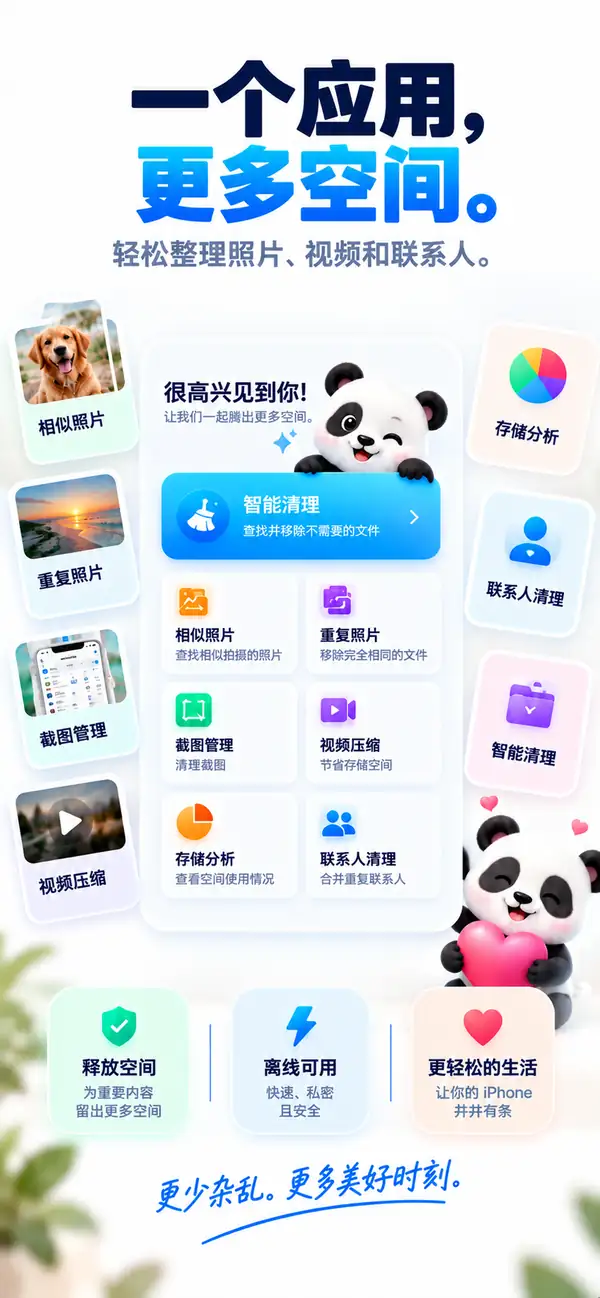
相似照片
留下最好的那张,其余的放手。
重复照片
同一张照片有三份?留一份就够了。
视频压缩
大视频,小文件。
存储分析
看清是什么占用了空间。
重复联系人
一个人,一张联系人卡片。
- 平台
- iPhone, iPad
- 最低系统
- iOS 17.0 或更高版本
- 类别
- 工具
- 处理方式
- 设备端照片与视频扫描
- 价格
- 免费下载(可选 App 内购买)
- 开发者
- DijitalWorlds (Cemal Hekimoglu)
- 相似照片
- 视频压缩
- 重复联系人
- 截图清理
- 滑动清理
iPhone 为什么会满
存储空间很少是被某一个大文件占满的。
真正的原因是悄悄堆积的东西:同一瞬间拍了十张、只用过一次的截图、去年夏天的视频,以及保存了三次的联系人。Photos Cleaner - Cleanup Phone 帮你找出这些杂乱,几分钟就能清理干净。
连拍和重拍
同一瞬间几乎一样的照片。
截图
不再需要的收据、票据和笔记。
大视频
占用数 GB、其实可以小得多的视频。
相似照片
留下最好的那张,其余的放手。
Photos Cleaner - Cleanup Phone 会把同一时刻拍摄的照片归为一组,并推荐最值得保留的一张。你可以并排比较,再自己决定。
- 归组连拍、重拍和自拍
- 推荐最值得保留的一张
- 不经你点按绝不删除

重复照片
同一张照片有三份?留一份就够了。
完全相同的照片会被归为一组,你可以一次清理完毕,只保留一份原图。
- 1
找出图库中完全相同的副本
- 2
保留一份,其余自动选中
- 3
删除的项目会进入“最近删除”
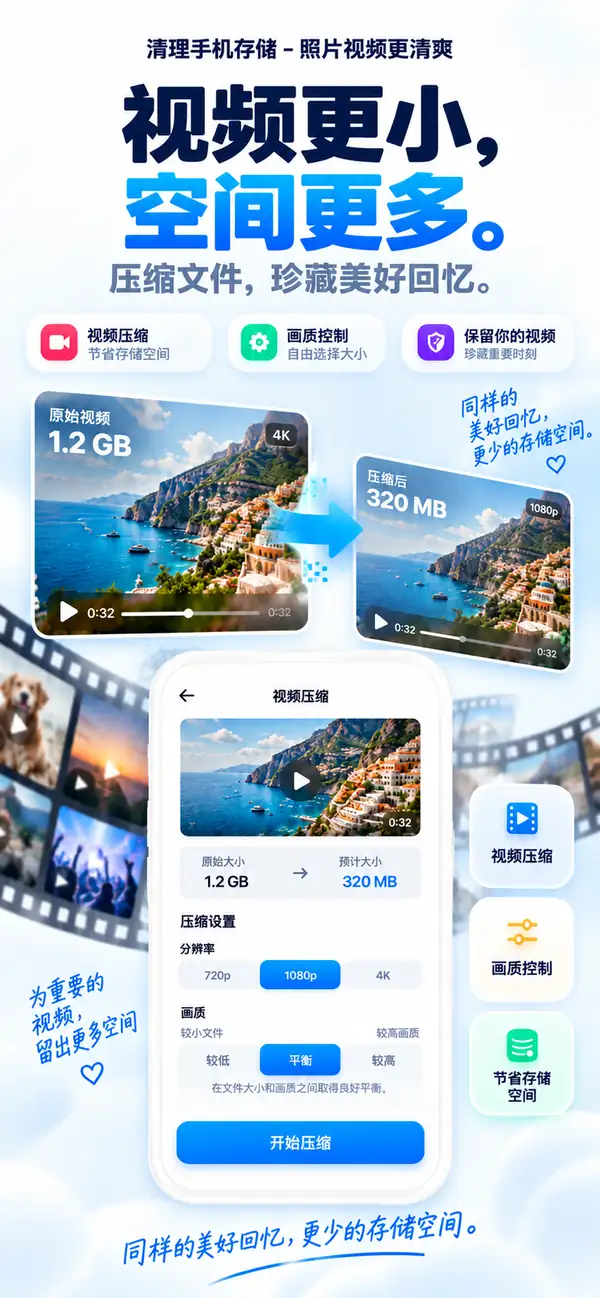
视频压缩
大视频,小文件。
选择分辨率和画质,查看预计大小,然后压缩。回忆还在,GB 没了。
- 可选 720p、1080p 或 4K
- 平衡文件大小与画质
- 先查看预计大小
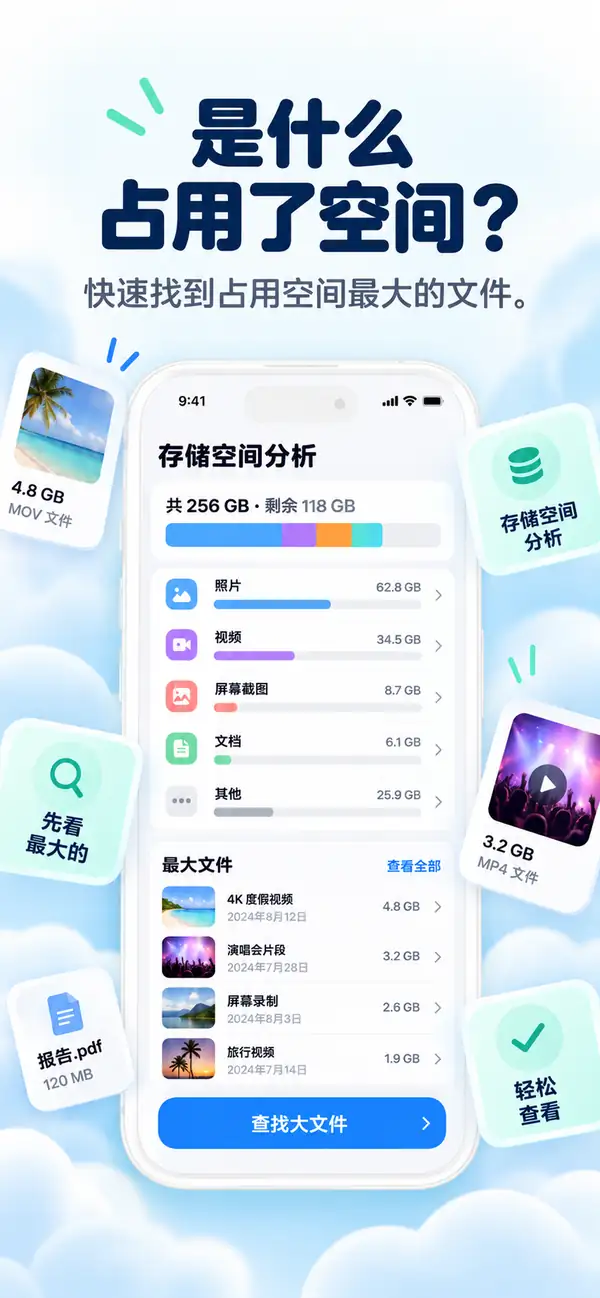
存储分析
看清是什么占用了空间。
照片、视频、截图和大文件的清晰分类,告诉你该从哪里开始,先清理最能腾出空间的内容。
- 照片
- 视频
- 大文件
- 重复项
- 截图
- 可用
- 最大的文件排在最前
- 分类一目了然
- 直接开始清理
重复联系人
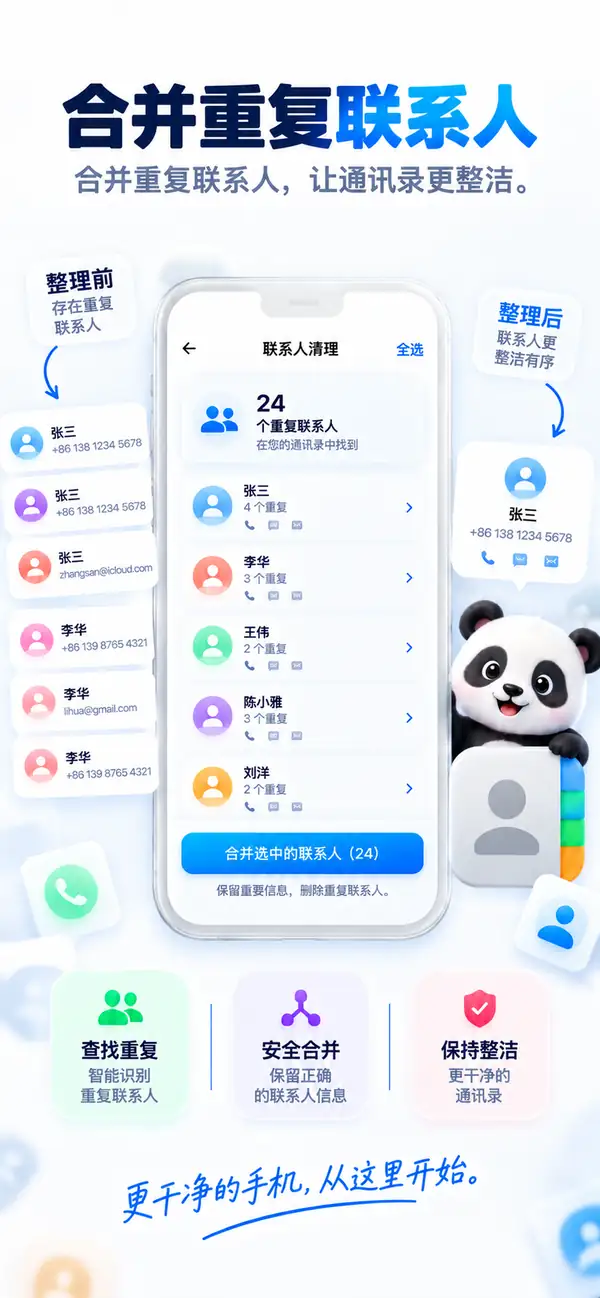
一个人,一张联系人卡片。
Photos Cleaner - Cleanup Phone 会找出重复联系人,将缺失信息复制到一张名片中,同时保留原始名片。确认前,你可以先检查结果。
- 识别重复条目
- 保留原始联系人名片
- 每次合并前都可先确认
快速清理
小工具,腾出大空间。
- 01
截图清理
在一个地方查看所有截图,选中不再需要的,一次性删除。

- 02
滑动清理
一张一张浏览照片。滑动选择保留或删除,随时可以撤销。

- 03
聊天照片
找出从聊天中保存的图片和文件,批量清理。

隐私
你的照片,只属于你。
扫描和分析都在你的 iPhone 上进行。你的照片、视频和联系人不会被上传处理,没有网络也能使用。
设备端分析
照片、视频和联系人都在本机扫描。
由你决定
建议只是建议,每次删除都由你确认。
安全设计
删除的照片会进入“最近删除”,仍可从中恢复。
此外
让图库保持整洁的其他功能。

模糊照片识别
找出失焦和抖动的照片。
大文件查看
快速找到最大的文件和视频。
Live Photos 工具
将 Live Photos 转为静态照片,节省空间。
离线可用
清理无需联网。
分步指南
用 Photos Cleaner - Cleanup Phone 清理 iPhone 的 10 个简单步骤
如果存储空间已经有点吃紧,这是一套比较稳妥的整理顺序,适合拿来处理照片、视频、截图和联系人。
- 1
先扫描整个资料库
先做一次完整扫描,把真正占空间的照片、视频、截图和联系人找出来。
- 2
把相近照片过一遍
在一组很像的照片里,留下你真的想保留的那一张。
- 3
删除完全重复的内容
真正一模一样的副本,确认一下就可以批量清掉。
- 4
先看大视频
先处理最占空间的视频,腾空间会更明显。
- 5
想留的就压缩
舍不得删的大视频,可以先压小再留着。
- 6
合并重复联系人
把重复的联系人卡片合在一起,通讯录会顺很多。
- 7
清理旧截图
把堆了很久、其实不会再看的截图清掉。
- 8
删掉表现差的照片
模糊、失手或意义不大的照片,可以顺手一起处理掉。
- 9
删除前再看一眼
正式确认前,把最后选中的内容再快速过一遍。
- 10
隔几周再做一次
定期小整理一下,空间就不会很快又被塞满。
功能对比
Apple 照片与 Photos Cleaner - Cleanup Phone 对比
“照片”App 从 iOS 16 起可以识别重复项。Photos Cleaner - Cleanup Phone 提供专门的媒体和联系人清理工具,帮助释放 iPhone 存储空间。
| 功能 | Apple 照片(系统自带) | Photos Cleaner - Cleanup Phone |
|---|---|---|
| 完全重复检测 | 支持(iOS 16 起的“重复项”相簿) | 支持(设备端快速扫描) |
| 相似照片 | 仅基础归组 | 并排比较连拍和相似照片 |
| 模糊照片 | 不支持 | 筛选不清晰的图片,快速检查 |
| 视频压缩 | 不支持(需要第三方工具) | 设备端视频压缩,缩小大文件 |
| 重复联系人 | “通讯录”App 中的基础重复列表 | 合并重复项的联系人清理 |
| 旧截图 | 显示全部截图,无时间筛选 | 按时间和大小筛选 |
| 安全删除 | 移到“最近删除”(30 天内可恢复) | 移到“最近删除”(30 天内可恢复,不会自动删除) |
透明度与 iOS 沙盒
Photos Cleaner - Cleanup Phone 能在 iPhone 上清理什么,不能清理什么
iOS 的安全架构会保护部分系统区域。这里清楚列出我们的设备端扫描能安全处理的内容,以及 iOS 沙盒不允许任何 App Store 应用访问的部分。
完全相同的重复照片
支持通过快速的本地比对,在所有相簿中找出完全相同的图片。
相似照片和连拍
支持分析构图和角度,把重复拍摄归组,并推荐最值得保留的一张。
模糊和低质量照片
支持在设备上评估清晰度,快速清理无法使用的照片。
大视频压缩
支持找出最大的视频,并在设备上压缩。
旧截图和录屏
支持筛选出过时的截图和占空间的录屏。
重复联系人
支持把号码、姓名或邮箱相同的联系人合并为一条。
其他 App 的缓存(微信、TikTok、Instagram 等)
受 iOS 保护iOS 沙盒不允许一个 App 修改另一个 App 的私有存储。请在各 App 的设置中清理,例如微信的存储空间管理。
系统数据和 iOS 日志
受 iOS 保护系统数据只由 iOS 管理,需要时会自动释放。App Store 中的应用都无权删除系统缓存。
内存(RAM)加速
由 iOS 管理打开 App 时 iOS 会自动释放内存。所谓内存清理只是营销说法,Photos Cleaner - Cleanup Phone 专注于真正的存储空间。
常见问题解答
这里整理了大家最常问的内容,包括隐私、存储清理、重复照片、视频压缩,以及 Photos Cleaner - Cleanup Phone 在 iPhone 上到底怎么工作。
Photos Cleaner - Cleanup Phone 使用起来安全吗?
照片、视频和联系人分析均在 iPhone 上完成。删除前请检查所选项目;诊断数据的处理方式请参阅隐私政策。
为什么我的 iPhone 空间这么快就满了?
通常是因为重复照片、大视频和长期堆积的截图。Photos Cleaner - Cleanup Phone 专门针对这些占空间的文件提供安全清理服务。
视频压缩会损坏画质吗?
压缩可能影响画质,具体效果取决于原始视频和设置。请检查压缩后的副本,确认满意后再决定是否删除原件。
删错的照片可以恢复吗?
可以!删除后的文件会进入 iPhone 自带“照片”应用的“最近删除”相册,您有 30 天时间可以随时找回。