
01
檢查 Apple 照片中的重複項目
打開「照片」,展開「工具程式」並選擇「重複項目」。macOS 可以合併已在照片圖庫中識別出的項目。

Vision AI - Photo Cleaner
macOS · 此版本新增 1.4.2
在 Mac 上尋找重複和相似照片、查看大型影片,並在本機壓縮影片。保留哪些檔案、何時清理,都由您確認。
Mac 重複照片指南
如果只需合併「照片」已偵測到的重複項目,請使用內建工具。如果還要比較相似照片、掃描資料夾、尋找模糊照片或影片,並在一處檢查同步儲存空間,請使用 Vision AI: Photo Cleaner。
打開「照片」,展開「工具程式」並選擇「重複項目」。macOS 可以合併已在照片圖庫中識別出的項目。
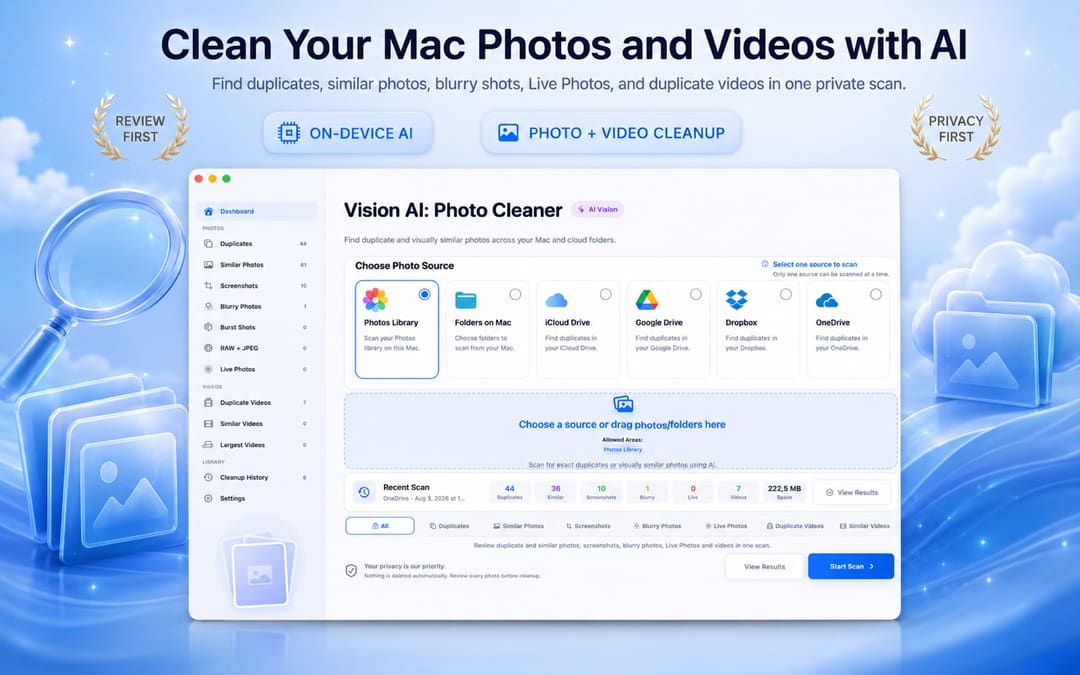
選擇照片圖庫、Mac 資料夾或支援的同步資料夾。Vision AI 會在 Mac 本機將完全相同的副本和視覺上相似的圖片分組。
檢查預覽、日期、大小和品質資訊,保留最佳版本,並只將你選擇的檔案移到垃圾桶。
在 Mac 上尋找重複和相似照片、查看大型影片,並在本機壓縮影片。保留哪些檔案、何時清理,都由您確認。
1.4.2 版本支援 10 種語言:英語、土耳其語、西班牙語、法語、德語、義大利語、葡萄牙語、日語、韓語和阿拉伯語。
應用將掃描進度、候選分組、預覽和刪除操作分開,讓清理更可控。
選擇要檢查的本機資料夾、照片圖庫或已連接磁碟。
Vision AI 在 Mac 上分組重複照片、相似照片和截圖。
保留最佳版本,然後將選取項目移到垃圾桶。
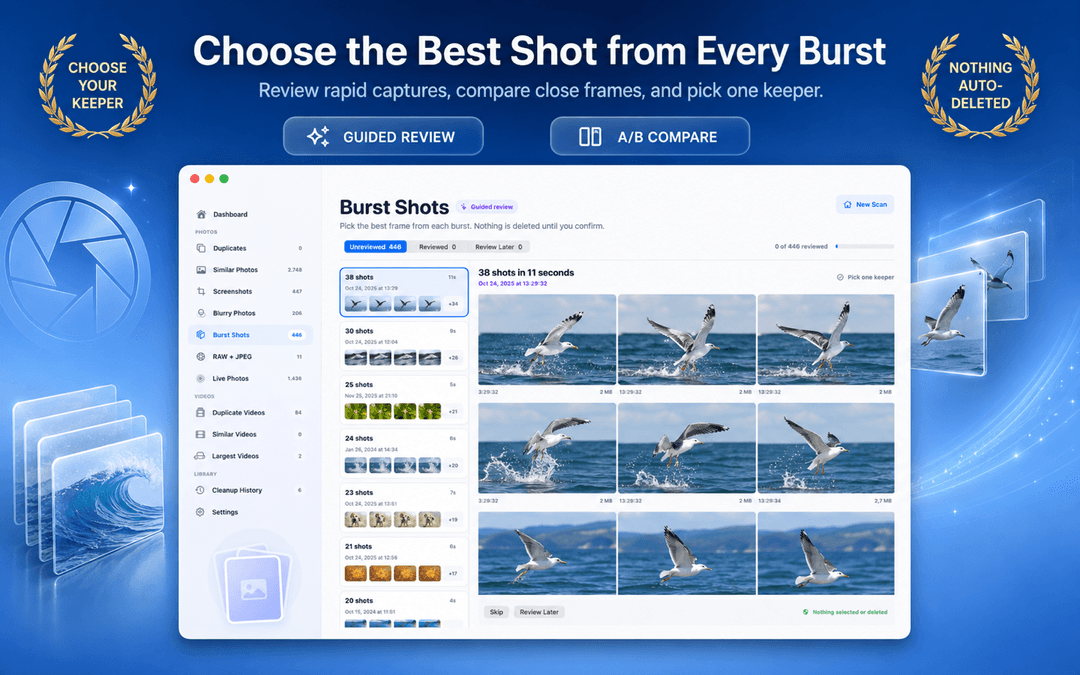

Vision AI: Photo Cleaner 以本機分析為核心,不需上傳照片圖庫來辨識清理候選項。
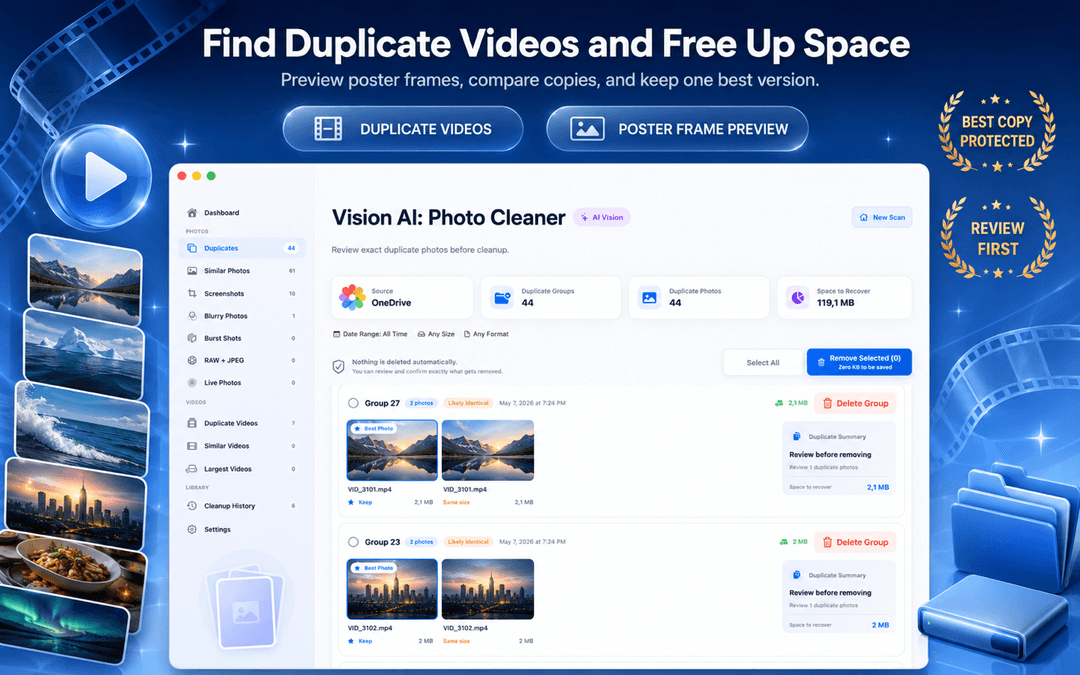
圖片比較與分組在你的裝置上完成。
沒有你的明確審核和操作,任何內容都不會移除。
核心清理流程不需註冊或個人資料。
資料夾中的檔案會移到垃圾桶;「照片」圖庫中的項目則移到「最近刪除」。永久刪除前仍可復原。
macOS Photos includes a basic Duplicates album for exact matches. Vision AI expands that into a full Mac photo workspace covering Finder folders, external SSDs, similar burst shots, and large video files.
| Cleanup Capability | Apple Photos (Built-in) | Vision AI: Photo Cleaner |
|---|---|---|
| Exact Duplicate Detection | Yes (the Photos app library only) | Yes (Photos library + Finder folders + external drives) |
| Similar & Burst Photo Grouping | Basic duplicate grouping; misses similar angles and lighting variants | Deep on-device visual similarity + keeper recommendation + sync zoom |
| Blurry & Low-Quality Detection | Not available | On-device Laplacian sharpness scoring isolates unusable shots |
| External SSD & Drive Scanning | Must import files into Photos library first | Directly scans connected external hard drives, SD cards, and USB drives |
| Cloud Folder Sync Scanning | iCloud Photos only | Scans local sync mirrors for iCloud Drive, Google Drive, Dropbox, OneDrive |
| Video Cleanup & Compressor | Basic video duplicates only (no compression) | Finds duplicate/large videos with built-in macOS video compressor |
| Safe Deletion Protocol | Recently Deleted (30-day recovery) | Mac Trash (until emptied) or Recently Deleted (up to 30 days), review-first |
Basic photo finders only compare file sizes or names. Vision AI uses four on-device analysis stages powered by macOS and Apple Silicon.
SHA-256 hashes are computed locally to identify exact file matches, including files with different names or locations.
On-device neural vision vectors extract scene geometry, lighting, and expressions. Bursts and alternate takes are clustered accurately without cloud servers.
Within each group of similar shots, sharpness, exposure, and detail are scored to recommend the best keeper, making review fast and effortless.
Motion-blurred and out-of-focus photos are detected through local Laplacian variance scoring, isolating unusable photos taking up disk space.
Vision AI scans local folders and volumes you select on your Mac, including local synced folders managed by macOS File Provider (such as iCloud Drive, Google Drive for Desktop, Dropbox, and OneDrive). It operates directly through standard macOS file access without requiring third-party OAuth logins or account credentials, inspecting only files that have been downloaded to your disk.
Select any source in your Mac workflow for instant inspection:
While Vision AI focuses on your photo and video libraries, Smart Cleaner AI scans your entire Mac storage for app caches, system logs, leftover files from uninstalled apps, developer build clutter, and files taking up disk space.
Related Mac & Photo Storage Guides
不會。它會分組候選項,並等待你審核。
不會。產品設計為在 macOS 上進行本機 Vision AI 分析。
可以。它包含重複照片、相似照片和截圖清理的獨立視圖。
本機資料夾以及 iCloud、Google Drive、Dropbox、OneDrive 等連接來源。
對於已識別的項目,請打開「照片」>「工具程式」>「重複項目」。如需更全面的掃描,Vision AI: Photo Cleaner 會將完全重複項目、相似照片、截圖、模糊照片、影片和支援的資料夾分組。檢查後,只將你選擇的項目移到垃圾桶。
應優先選擇裝置端分析、完全比對與視覺相似模式、並排預覽、支援照片所在位置,以及不會自動刪除檔案的先檢查後清理流程。
它可掃描照片圖庫以及本機可用或已同步的資料夾,包括支援的 iCloud 來源。進行本機分析時,Mac 必須能夠存取這些檔案。
透過畫質與解析度選項縮小影片。將壓縮副本儲存到獨立資料夾,或僅在新影片通過安全驗證後取代原始檔案。處理過程在您的 Mac 上完成。