How to Remove Duplicates from Photos Library on Mac & iCloud (2026)
Step-by-step guide to remove duplicates from Apple Photos library on Mac and iCloud. Clean exact duplicates and near-duplicate burst shots safely.


How to Remove Duplicates from Photos Library on Mac & iCloud (2026)
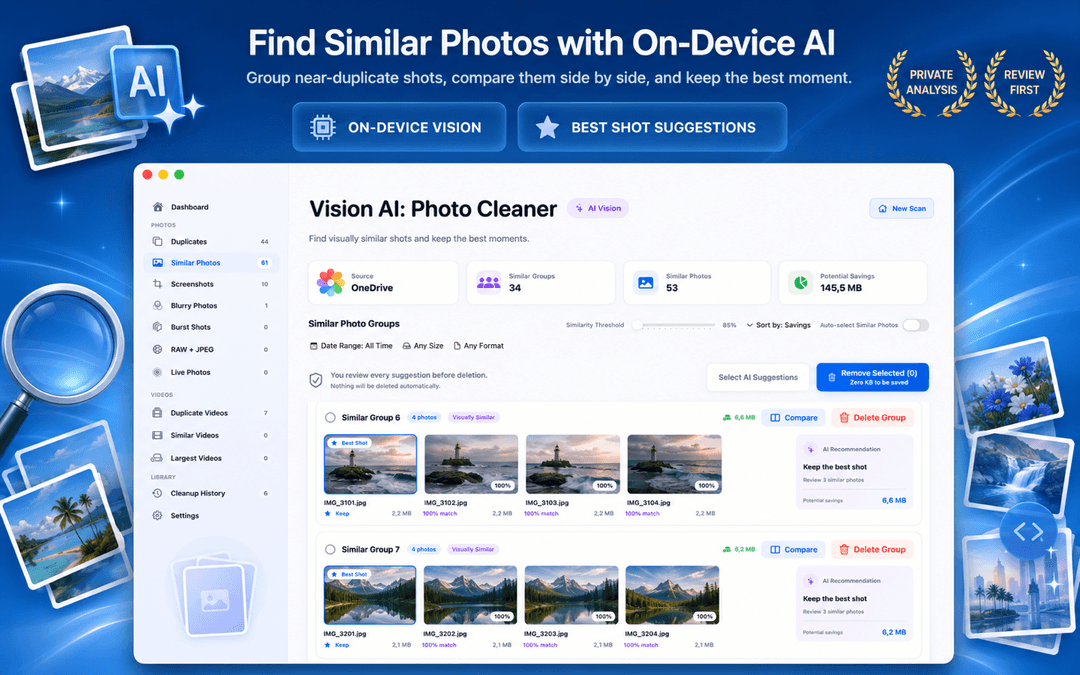
Wondering how to remove duplicates from Photos library on your Mac? While Apple includes a built-in Duplicates album in macOS Ventura and later, it only finds exact copies and near-identical versions of the same photo. It misses the far larger pile of similar photos in the Photos app: burst shots, WhatsApp and AirDrop re-compressions, resized exports, and near-identical takes.
Vision AI - Photo Cleaner is an intelligent duplicate photo cleaner for Mac that scans your Apple Photos library directly. It finds both exact duplicates and visual near-duplicates, so you can delete duplicates in the Photos app on Mac and remove duplicate photos from iCloud safely. Download it for free on the Mac App Store.
What removing duplicates from your Photos library actually involves
What Apple's Built-In Duplicates View Catches (And What It Misses)
In Apple Photos on macOS, opening Utilities → Duplicates displays exact copies and near-identical versions of the same image. This works well for repeated imports, but Apple's detector is intentionally conservative.
It does not group different crops, burst frames, or shots with slight exposure differences. If you want to know how to find duplicates in photos on Mac that are visually identical but have different file sizes, you need an on-device AI scanner.
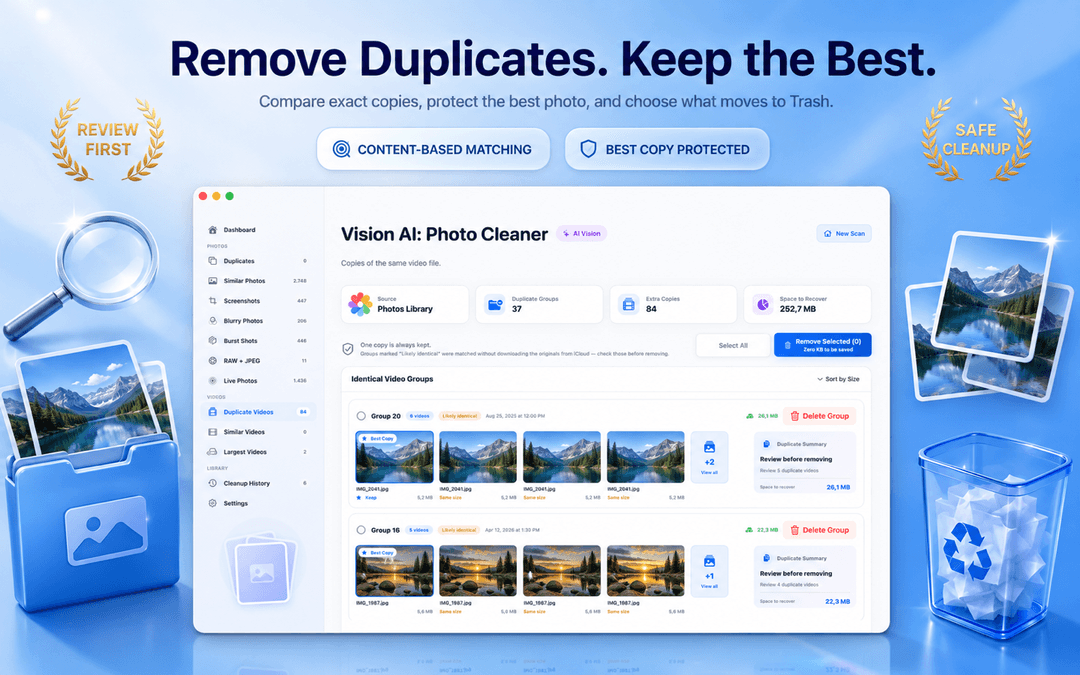
Near-Duplicates: The Real Storage Drain in Your Photos Library
Burst modes, Live Photos, and repetitive portrait takes generate hundreds of similar photos that clutter your gallery. None of these trigger Apple's Duplicates album, yet they represent the majority of wasted gigabytes.
Vision AI - Photo Cleaner scans your library with adjustable visual similarity thresholds, grouping near-duplicates side-by-side so you can keep the sharpest shot and delete the redundant copies with confidence.
How to Remove Duplicate Photos from iCloud Without Breaking Sync
When you delete duplicate photos in the Apple Photos app on Mac, macOS automatically synchronizes the deletion across iCloud Photos. Removed items move to the Recently Deleted album for 30 days, so you can easily recover any shot if needed.
Vision AI automatically marks the highest-resolution photo as the keeper in every group, ensuring you never accidentally delete an entire photo set.
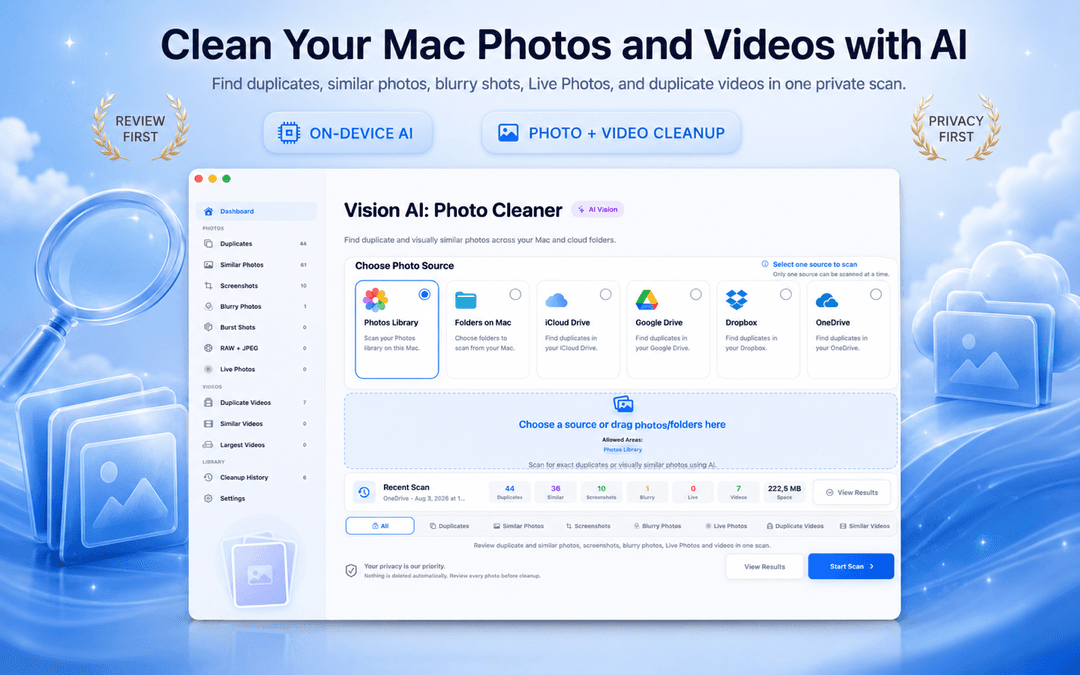
How to remove duplicates from Photos library in 3 steps
Grant Photos library access
Open Vision AI - Photo Cleaner and allow access to your Apple Photos library.
Review exact duplicates & similar shots
Inspect exact matches first, then use the similarity slider to group burst photos and near-duplicates.
Confirm and delete to Recently Deleted
Keep the suggested keeper, select unwanted duplicates, and delete. The cleanup automatically syncs to iCloud.
Frequently Asked Questions
How do I remove duplicates from Photos library on Mac?Show answer
For exact copies, open Apple Photos and click Duplicates under Utilities to merge them. For near-duplicates, burst shots, and Live Photos that Apple misses, use Vision AI - Photo Cleaner to scan and clean your library safely.
How do I remove duplicate photos from iCloud?Show answer
When you delete duplicates in Photos app on Mac or with Vision AI, macOS moves them to Recently Deleted and synchronizes the deletion across all devices connected to your iCloud Photos account.
Will deleting duplicates in Mac Photos delete photos on my iPhone?Show answer
Yes, if iCloud Photos is enabled, your Mac and iPhone share the same library. Deletions sync across all devices, but remain in the Recently Deleted album for 30 days before permanent removal.
Is Vision AI - Photo Cleaner safe to use on Apple Photos?Show answer
Yes. Vision AI uses standard macOS Photos framework APIs. It never deletes files automatically, always keeps one best copy per group, and routes deletions through Recently Deleted.
Keep Your Apple Photos Library Fast and Clutter-Free
Apple's built-in tool catches identical files, but Vision AI captures the near-identical burst shots and duplicates taking up real disk space.
Download Vision AI - Photo Cleaner on the Mac App Store or discover more on the product page.
Have questions? Support Center
Related guides

· 9 min read
On-Device Processing Explained: What Stays on Your iPhone and Mac
What on-device processing means, how photo apps find duplicates without uploading your library, and what still uses the network. Plain-English guide.
· 9 min read
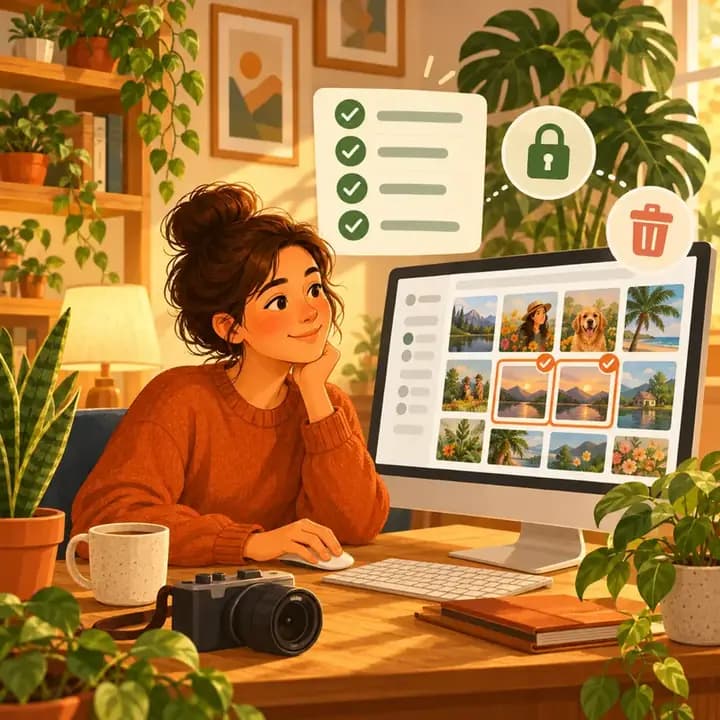
Are Mac Photo Cleaner Apps Safe? A Privacy Checklist
Before a duplicate photo finder scans your Mac, check these 8 things: privacy labels, Photos and folder access, cloud drives, network activity and safe deletion.
· 9 min read
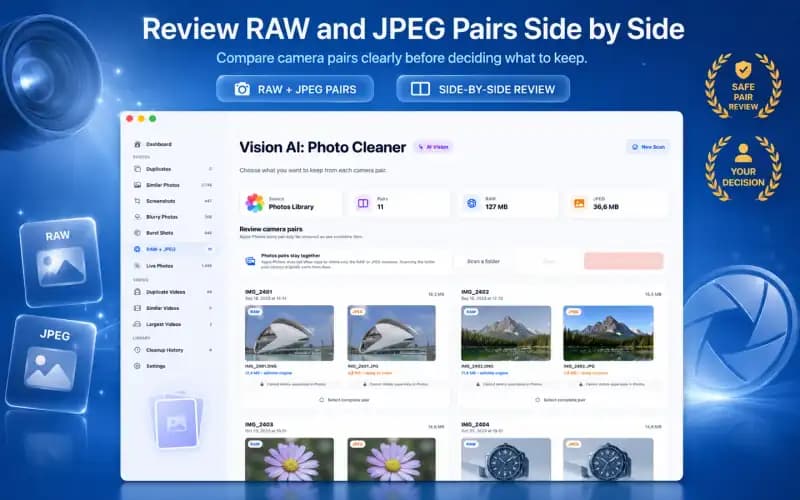
RAW + JPEG Photos on Mac: What Should You Keep? (2026 Guide)
Master RAW + JPEG pair management on Mac. Learn how Apple Photos handles camera RAW files, how to avoid double-storage bloat, and when to keep RAW masters.
Ready when you are
Download Vision AI - Photo Cleaner for Mac
Find duplicate and similar photos, review large videos and compress videos locally on your Mac. Choose what to keep and confirm every cleanup.
By using Vision AI - Photo Cleaner, you agree to our Terms of Use and Privacy Policy.