Free Duplicate Photo Finder for Mac: Find & Delete Copies Without Hidden Paywalls
Looking for a free duplicate photo finder for Mac? Learn what to check before scanning: on-device privacy, free deletion, and Apple Photos library support.


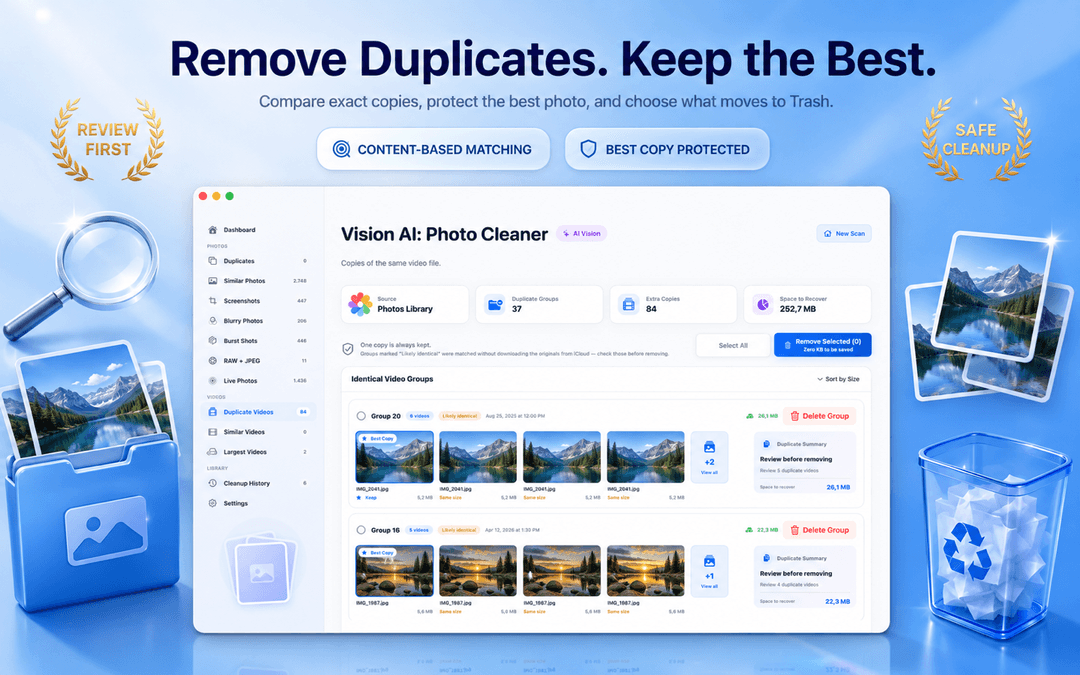
Free Duplicate Photo Finder for Mac: How to Clean Photos Safely Without Hidden Costs
Finding a genuine free duplicate photo finder for mac can be frustrating. Many utilities let you scan for free, but suddenly demand a paid subscription to actually delete duplicate photos on Mac. Others compromise your privacy by uploading image thumbnails to cloud servers.
Vision AI - Photo Cleaner is a genuinely free duplicate photo cleaner for Mac available on the Mac App Store. It scans Apple Photos, MacBook drives, and synced cloud folders completely on-device, letting you review and get rid of duplicate photos on mac without hidden paywalls.
What a genuine free duplicate photo finder for Mac must offer
The Common Trap: Free to Scan, Paid to Delete Duplicate Photos on Mac
A free duplicate scan that reveals 1,000 duplicate photos is useless if clearing them requires an in-app purchase. Some Mac cleaner tools use this bait-and-switch tactic.
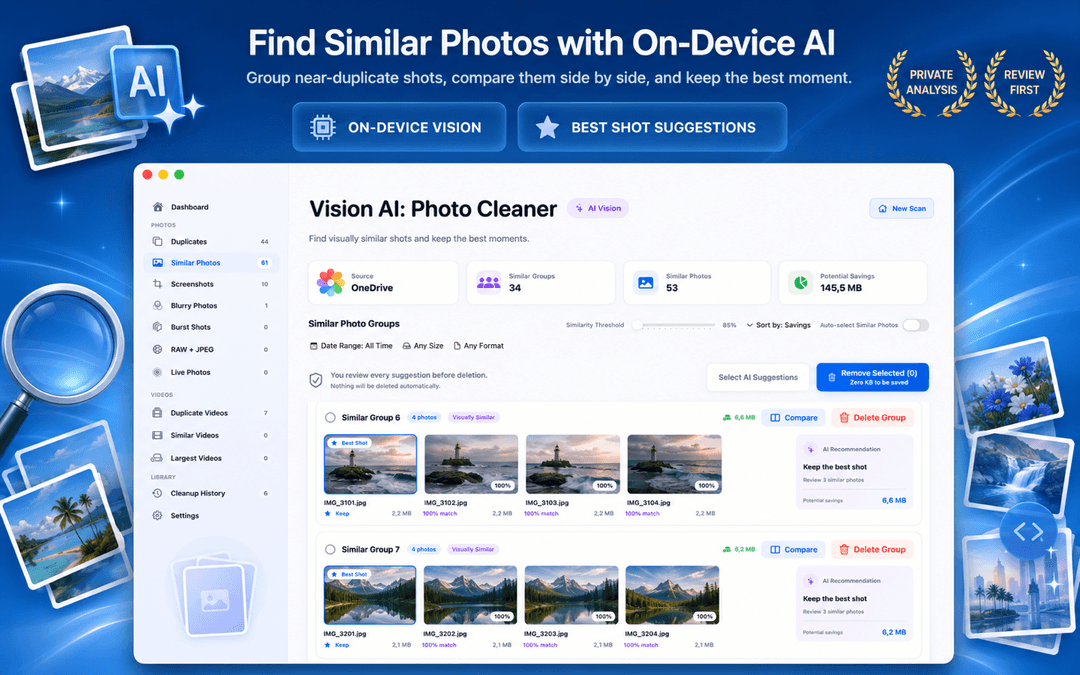
With Vision AI - Photo Cleaner, you can scan your entire Apple Photos library or Finder folders, inspect side-by-side matches with synchronized zoom, and delete duplicate photos to Trash freely.
On-Device Privacy: Why Your Photos Must Never Leave Your Mac
Some photo cleanup apps upload image thumbnails or perceptual hashes to remote cloud servers to perform visual comparison. This poses major privacy risks for personal and sensitive photo libraries.
Vision AI runs entirely locally on macOS using Apple's on-device Vision framework. Whether you use a MacBook Air, MacBook Pro, iMac, or Mac Studio, your images remain 100% private on your machine.
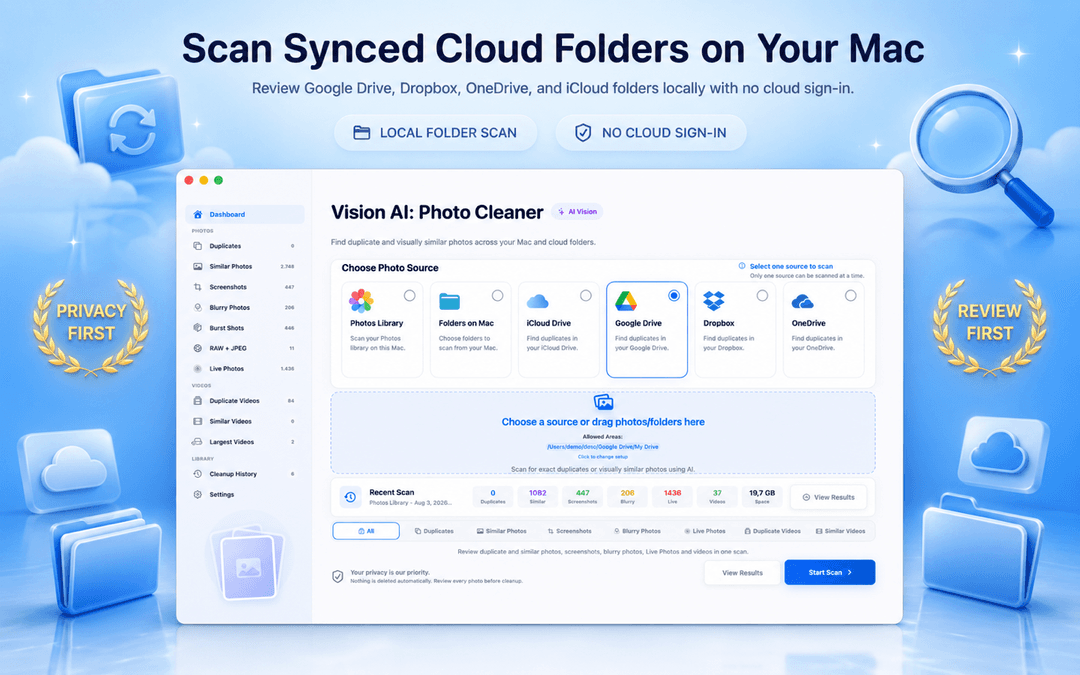
Support for Apple Photos, Mac Folders & Synced Cloud Drives
A reliable duplicate photo finder for Mac should not be limited to loose desktop files. It must read your native Apple Photos library directly and scan synced local folders from iCloud Drive, Google Drive, Dropbox, and OneDrive to help you remove duplicates across all your storage locations.
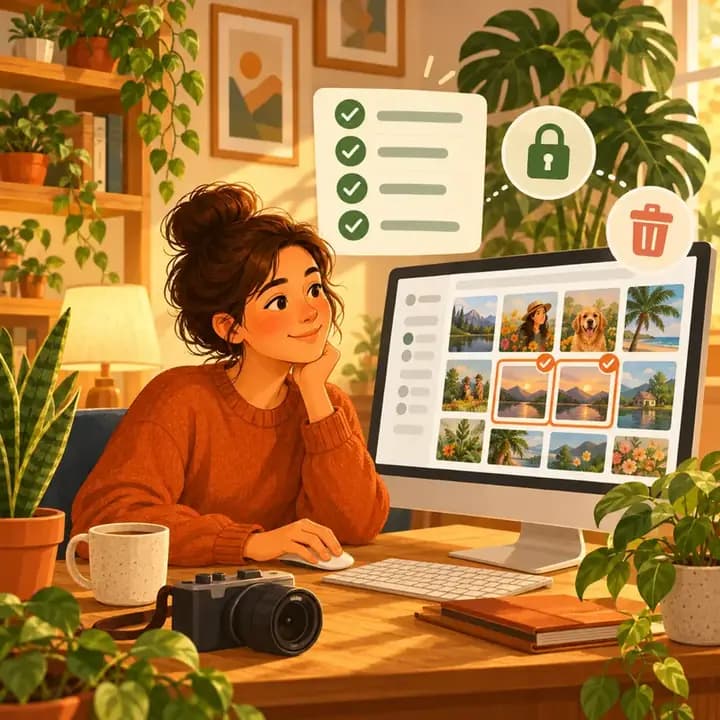
How to find and delete duplicate photos on Mac for free in 3 steps
Download the free Mac app
Get Vision AI - Photo Cleaner from the Mac App Store with no account creation required.
Select your Photos library or folders
Scan your Apple Photos library, MacBook drive, or synced cloud folders using on-device Vision AI.
Review side-by-side and delete for free
Compare candidates, keep the sharpest shot, and delete duplicate photos on Mac directly to Trash.
Frequently Asked Questions
Is Vision AI really a free duplicate photo finder for Mac?Show answer
Yes. Scanning, visual similarity grouping, side-by-side comparison, and deleting duplicate photos on Mac are available for free on the Mac App Store.
Can I remove duplicates from Photos library for free?Show answer
Yes. Vision AI directly accesses your Apple Photos library, groups exact duplicates and similar burst shots, and allows you to clean redundant files safely.
Do I need to create an account or sign up?Show answer
No. The app requires no account, email, or registration. You can open it and start scanning immediately.
Are my photos uploaded to any remote server?Show answer
No. All comparisons run strictly on-device on your Mac using Apple's Vision framework.
Clean Your Photos Without Compromises
A great free duplicate photo cleaner for Mac should deliver both powerful on-device scanning and unlocked, safe cleanup controls.
Download Vision AI - Photo Cleaner on the Mac App Store or view the product page.
Have questions? Support Center
Related guides

· 9 min read
On-Device Processing Explained: What Stays on Your iPhone and Mac
What on-device processing means, how photo apps find duplicates without uploading your library, and what still uses the network. Plain-English guide.
· 9 min read
Are Mac Photo Cleaner Apps Safe? A Privacy Checklist
Before a duplicate photo finder scans your Mac, check these 8 things: privacy labels, Photos and folder access, cloud drives, network activity and safe deletion.
· 9 min read
RAW + JPEG Photos on Mac: What Should You Keep? (2026 Guide)
Master RAW + JPEG pair management on Mac. Learn how Apple Photos handles camera RAW files, how to avoid double-storage bloat, and when to keep RAW masters.
Ready when you are
Download Vision AI - Photo Cleaner for Mac
Find duplicate and similar photos, review large videos and compress videos locally on your Mac. Choose what to keep and confirm every cleanup.
By using Vision AI - Photo Cleaner, you agree to our Terms of Use and Privacy Policy.