Photo Cleaner - Storage Space Guide: iPhone Storage Cleanup & Features
A comprehensive guide to Photo Cleaner - Storage Space: clean duplicate photos, compress large videos, merge duplicate contacts, and reclaim iPhone storage safely.


Photo Cleaner - Storage Space for iPhone: what it actually helps with
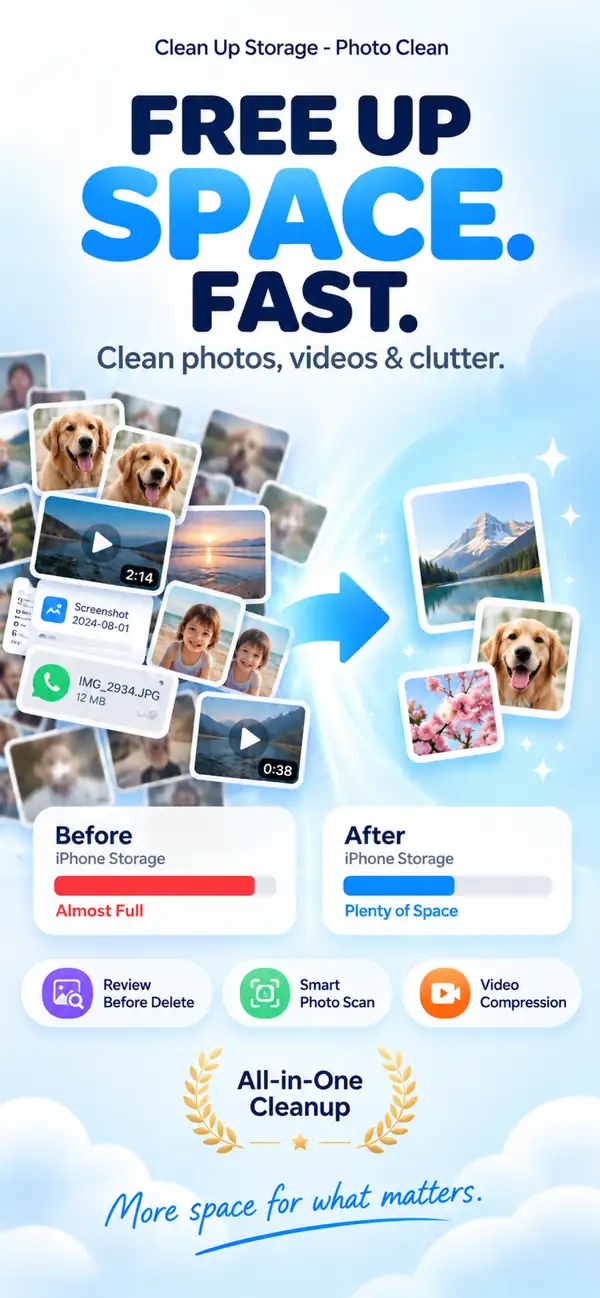
When an iPhone starts feeling full, the usual culprits are not mysterious system junk. They are usually duplicate photos, near-identical shots, oversized videos, and contact clutter that has built up slowly over time. Photo Cleaner - Storage Space is built around those practical cleanup jobs, with a review-first flow so you can see what is being grouped before you remove anything.
What you will find in this guide
- ✦How to clear space without relying on risky one-tap cleanup claims.
- ✦How to sort duplicate and similar photos without losing the shots that matter.
- ✦How to deal with repeated contacts and large videos in a more deliberate way.
1) Why iPhone storage seems to disappear so fast
Storage pressure usually builds in small, forgettable ways: burst shots you never reviewed, screenshots you meant to remove later, social downloads, and videos that quietly grow into gigabytes. Contacts can add another layer of mess, even if they are not the main storage problem. The easiest cleanup starts by separating clutter into categories instead of deleting randomly.

2) Duplicate photos and similar photos are not the same thing
Exact duplicates are literal copies of the same file. Similar photos are the almost-the-same shots you took a second apart while trying to get the best angle or expression. Treating those as two different cleanup jobs matters, because it helps you keep the best version instead of wiping out a whole moment by accident.

3) Contact merge and video compression are the quiet storage wins
Repeated contacts make your address book harder to trust, and large videos can swallow space faster than almost anything else on an iPhone. Merging contacts cuts the daily clutter, while compression gives you a middle option between keeping everything untouched and deleting memories you still want.

4) Privacy and safety matter more than “instant clean” promises
A trustworthy cleanup tool should not feel like a black box. The safer pattern is review first, then decide. That means you see what is grouped, choose what stays, and keep the familiar iOS safety net of Recently Deleted for recoverable photos and videos.
5) Why practical cleanup beats vague “booster” claims
A lot of iPhone cleaner marketing leans on broad promises like instant speed boosts or deep junk removal. In reality, iOS has clear limits. The more honest gains usually come from duplicates, similar photos, contact cleanup, screenshots, and heavy videos. That is where people tend to recover meaningful space.
How to get started with Photo Cleaner - Storage Space in 3 simple steps
Scan first
Let the app group duplicate photos, similar shots, large videos, and repeated contacts before you make any decisions.
Review the suggestions
Keep the photos you actually want, confirm the contact merges that make sense, and skip anything you are unsure about.
Clean up and note the difference
Finish the cleanup, then check how much space you recovered so you know which category made the biggest dent.
Frequently Asked Questions
Q: Can I remove duplicate photos without wiping out photos I care about?
Usually yes, because the app is built around review before delete. You can look through grouped results and keep the best shots before confirming anything.
Q: Does Photo Cleaner - Storage Space also help with duplicate contacts?
Yes. It can surface repeated contacts and help you merge them into cleaner, more complete entries.
Q: Do I have to delete videos to save space?
Not always. Compression is often the better option when you want the storage back but still want to keep the video.
Q: Can an app like this clean every cache or hidden junk file on iPhone?
No. iOS has strict platform limits, so the useful wins usually come from the areas you can safely review yourself, like photos, videos, screenshots, and contacts.
Q: How much space do people usually recover?
It depends on the size of the library, but people with years of photos and videos often recover multiple gigabytes once they clean the biggest categories first.
Q: Is Photo Cleaner - Storage Space more about speed boosts or storage cleanup?
It is mainly about practical storage cleanup. The goal is to reduce clutter and free usable space, not to promise a magical system boost.
Start where the storage pressure is actually coming from
If your iPhone feels cramped, the smartest place to begin is usually your photos, large videos, and contact clutter. Work through the biggest categories first, review before deleting, and you will usually free space without feeling like you are gambling with your library.
Scientific Sources
Soares JS, Storm BC. (2022). Does taking multiple photos lead to a photo-taking-impairment effect?. Memory. PMC
Henkel LA. (2014). Point-and-shoot memories: The influence of taking photos on memory for a museum tour. Psychological Science. SAGE Journals
Elmagarmid AK, Ipeirotis PG, Verykios VS. (2007). Duplicate record detection: A survey. IEEE Transactions on Knowledge and Data Engineering. IEEE Xplore
Christen P. (2012). A survey of indexing techniques for scalable record linkage and deduplication. IEEE Transactions on Knowledge and Data Engineering. IEEE Xplore
Related guides

· 9 min read
Are iPhone Cleaner Apps Safe? A Privacy Checklist
Before you give a cleaner app access to your photos, check these 9 things: privacy labels, permissions, network activity, subscriptions and deletion safety.

· 9 min read
Why Is My iPhone Slow? Storage Problems and Safe Fixes
Low storage can slow an iPhone, but network conditions, battery health and unresponsive apps also matter. Diagnose the cause and recover space without deleting blindly.

· 9 min read
iCloud Storage Full but iPhone Has Space: What’s the Difference?
iCloud storage and iPhone storage are separate. Learn what each full-storage warning means, what stops syncing, and how to free the right space safely.
Ready when you are
Download Photo Cleaner - Storage Space for iPhone
Remove duplicate photos, compress videos, and organize contacts with a privacy-first cleanup flow.
By using Photo Cleaner - Storage Space, you agree to our Terms of Use and Privacy Policy.