5 Reasons You Need to Declutter Your iPhone Today
Is your iPhone running slow? Discover 5 essential reasons to declutter your device today.


Is Your Digital Life Weighing You Down?
We declutter our desks and our homes, but we often forget the device that lives in our hands 5+ hours a day. If you need to declutter iPhone storage, clean iPhone storage without losing important memories, or simply free up iPhone space fast, the biggest wins usually come from duplicate photos, oversized videos, and old contact clutter. Your iPhone isn’t slow because it’s old. It’s slow because you have 847 photos of the same sunset and approximately zero storage left.
1. Your Phone Is Literally Choking
When available storage gets very low, iOS has little room left for caches, temporary files, and updates. Result: apps can launch slowly, the camera may refuse to record, and updates stall.
2. Duplicate Photos Are the Silent Killer
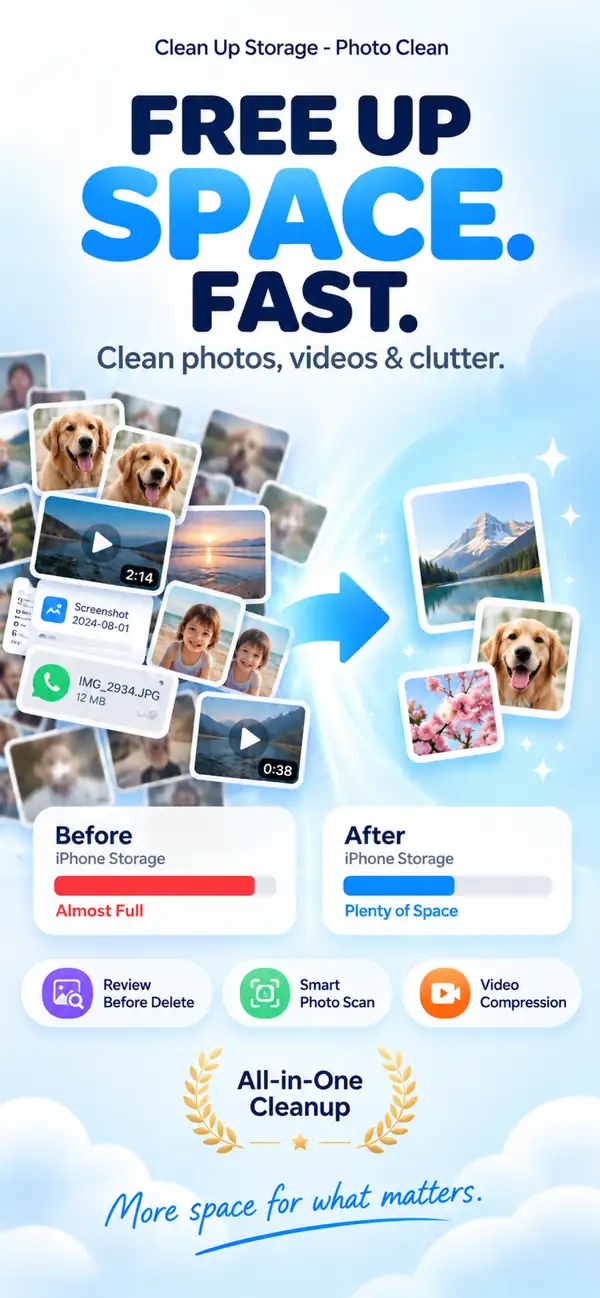
Duplicate and near-duplicate photos often make up a noticeable share of an iPhone library. Photo Cleaner - Storage Space finds them all and lets you review before deleting.
3. Videos Are Eating Everything
One 4K video = hundreds of photos in storage terms. Smart video compression maintains visual quality while cutting file size by 50-70%.
4. Your Contacts Are a Disaster
“John”, “John new number”, “John?”, “John work”. Same person, four entries. Photo Cleaner - Storage Space identifies duplicates and merges them intelligently.
5. Your Privacy Deserves Protection
Some cleaning apps send your photos to their servers for “analysis.” Photo Cleaner - Storage Space works 100% on-device. Your photos never leave your phone.
How to Find and Delete Duplicate Photos on iPhone
Easily discover and safely delete duplicate media using intelligent photo scanning.

- Step 1: Open the app and select the Photo Scan feature.
- Step 2: Wait a few seconds while the AI intelligently groups similar photos and exact matches.
- Step 3: Review the results, select the unneeded copies, and tap delete to instantly free up storage.
How to Compress Videos on iPhone
Compress massive 4K video files by up to 70% while preserving original visual quality.

- Step 1: Launch the large video finder tool.
- Step 2: Select large videos and let the app compress them up to 70% while keeping visual clarity intact.
How to Merge Duplicate Contacts
Fix your messy address book by merging duplicate entries effortlessly.

- Step 1: Tap the contact cleaner and wait for the scan to finish in seconds.
- Step 2: Review the identified duplicates and merge them with one tap, keeping all details like email addresses and mailing addresses.
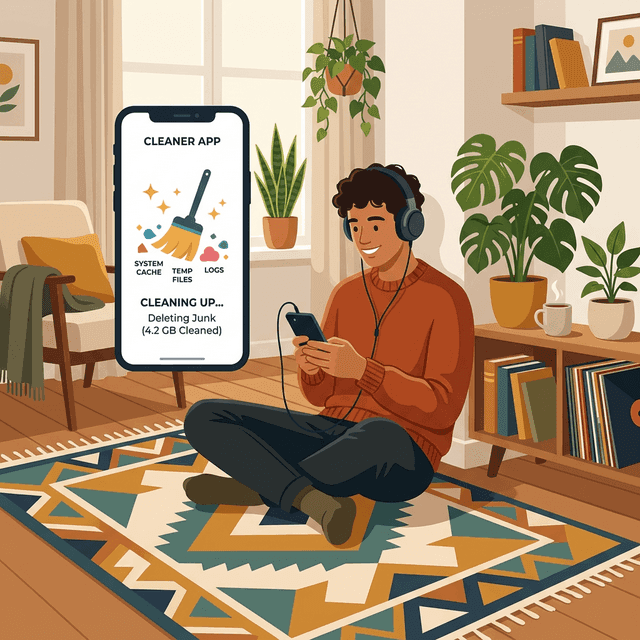
How to Sweep Away Hidden System Garbage
Clear the caches iOS actually lets you control.
- Step 1: Clear Safari data in Settings → Safari → Clear History and Website Data.
- Step 2: Use each app's own clear-cache option, or delete and reinstall apps with oversized Documents & Data.
How to Delete Photos Safely with 100% Privacy
Enjoy complete peace of mind with 100% on-device processing.

- Step 1: Open the app and use any tool; no data ever leaves your device.
- Step 2: Deleted photos go to Recently Deleted for 30 days, and nothing is uploaded to an external server.
Frequently Asked Questions (FAQ)
Q: How do I know if my iPhone storage is full?
A: Go to Settings > General > iPhone Storage. If the bar is mostly full or you have less than 10% free space, your phone performance will start to suffer.
Q: Does deleting photos really speed up my iPhone?
A: It can help when storage is nearly full. Free space gives iOS room for temporary files, caches, and updates, so the phone feels less sluggish. It will not fix an aging battery or an old processor.
Q: How to clean iPhone storage efficiently?
A: You can clean your iPhone by clearing app caches, deleting apps you have not used in a long time, and using tools like Photo Cleaner - Storage Space to safely find and remove duplicate photos and merge contacts.
Q: How to compress video on iPhone without losing quality?
A: Using a dedicated app like Photo Cleaner - Storage Space allows you to use smart video compression. It reduces the file size by 50% to 70% while keeping the video looking sharp and detailed.
Q: Is it safe to use third-party cleaner apps like Photo Cleaner - Storage Space?
A: Absolutely, as long as the app works 100% on-device. Photo Cleaner - Storage Space never uploads your photos or contacts to any cloud server, ensuring complete privacy.
Q: How do I find and delete duplicate photos on my iPhone?
A: Instead of scrolling endlessly, Photo Cleaner - Storage Space scans your library instantly and groups exact or highly similar photos together so you can review and delete them with one tap.
Q: What takes up the most space on an iPhone?
A: For most users, high-resolution videos, burst photos, duplicates, and large app caches (like WhatsApp or TikTok) consume the majority of storage space.
Q: Will merging contacts delete any important phone numbers?
A: No. Smart contact merging in Photo Cleaner - Storage Space combines identical names and keeps all unique phone numbers, emails, and notes within a single unified contact card.
Q: How can I free up space on my iPhone without deleting apps?
A: Focus on your media. Delete duplicate videos, compress large 4K videos, and clean up similar photos. This can easily save you gigabytes of space.
Q: Why is my iPhone System Data taking up so much space?
A: System Data includes caches, logs, and system updates. Restarting your phone or doing a general storage cleanup can help prompt iOS to clear out unnecessary system cache files.
Have questions? Support Center
Scientific Sources
Sweeten G, et al. (2024). Digital hoarding and personal use digital data. Human-Computer Interaction. Taylor & Francis
Patanjali S, et al. (2022). Time for De-cluttering: Digital clutter scaling for individuals and enterprises. Computers & Security. ScienceDirect
Raines AM, et al. (2014). Effects of clutter on information processing deficits in individuals with hoarding disorder. Journal of Affective Disorders. PubMed
Soh HJ, et al. (2023). The association between problematic smartphone use and symptoms of anxiety and depression: a meta-analysis. Journal of Public Health. Oxford Academic
Related guides

· 9 min read
Organize Photos on iPhone and Free Up Space
Learn how to organize photos on iPhone with albums, folders and People & Pets, then clear duplicates, screenshots and big videos to free up storage.

· 7 min read
How to Find and Compress Large Videos on iPhone
Learn how to find hidden large videos on your iPhone and compress them to reclaim gigabytes of storage without losing your memories.

· 6 min read
How to Delete Duplicate Photos on iPhone (Fast & Safe)
Step-by-step guide to find and delete duplicate photos on iPhone, free up storage, and prevent duplicates from coming back.
Ready when you are
Download Photo Cleaner - Storage Space for iPhone
Remove duplicate photos, compress videos, and organize contacts with a privacy-first cleanup flow.
By using Photo Cleaner - Storage Space, you agree to our Terms of Use and Privacy Policy.