Mac用ベスト重複写真ファインダー:本当の比較方法
Mac用の本当に優れた重複写真ファインダーを分けるもの:正確なほぼ重複検出、調整可能な類似度しきい値、安全な確認ステップ。


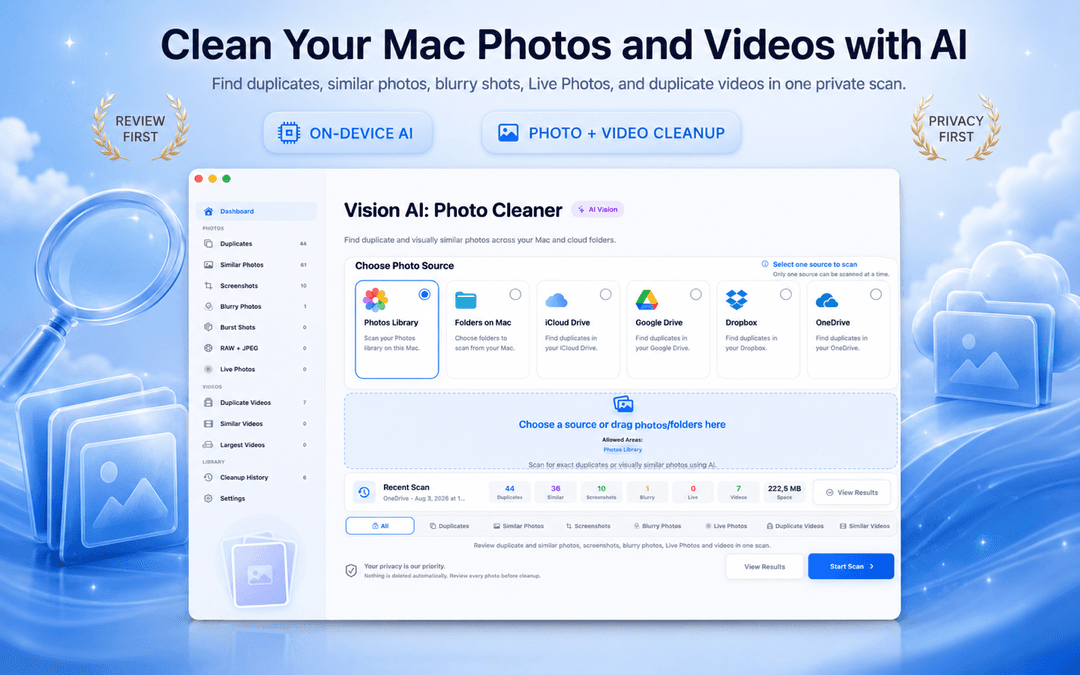
Mac重複写真検索・クリーナーおすすめ徹底比較 (2026年最新)
どのソフトも「Macで最高の重複写真検索アプリ」を謳いますが、MacやMacBookで本当に信頼できる写真クリーナーを見極めるポイントは3つです。完全一致だけでなく視覚的な類似度を正確に判定できるか、デバイス内完結でプライバシーが守られるか、そして確認なしで勝手に削除しない安全設計かです。
Vision AI - Photo Cleaner Vision AI - Photo Cleaner はまさにこれらの原則に基づいて設計された、プライバシー重視のMac用重複写真クリーナーです。Mac App Storeから無料でダウンロードできます。ここでは、優れた重複写真ツールの見分け方と安全な整理手順を解説します。
優れたMac重複写真検索アプリを見分ける3大条件
完全一致は当たり前 — 視覚的類似度の判別こそが重要
バイト単位で同一のファイルを検出するのは簡単です。しかし、Macの写真アプリやFinder内にある重複写真の大半は「完全一致」ではなく「類似写真」です。縮小された書き出し画像、メッセージアプリで再圧縮された写真、連写バーストショットなどがこれに該当します。
優れた写真クリーナーは、AppleのNeural Engineを活用してMac上で直接画像内容を解析します。写真ライブラリ、ローカルフォルダ、iCloud Drive内の類似ショットをクラウドへ送信することなく安全に検出します。
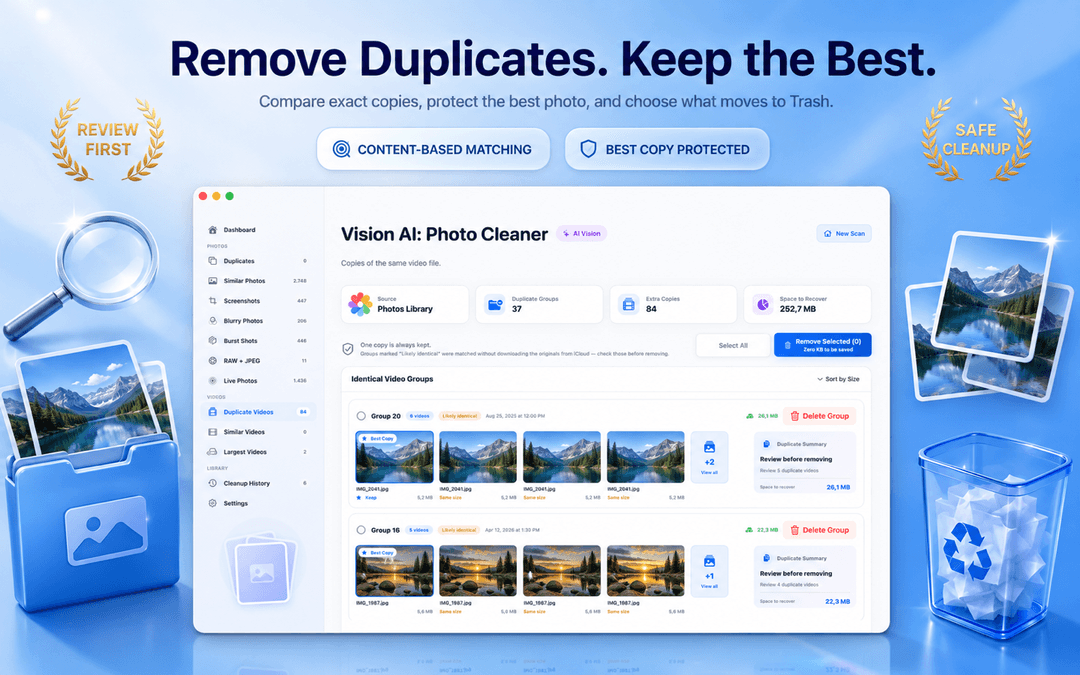
調整可能な類似度スライダー:MacBook Proユーザーにも必須の機能
類似度の基準が固定されていると、無関係な写真がまとめられたり、明らかな類似写真が見落とされたりします。MacBook ProでRAW写真を整理するプロでも、日常の家族写真を整理する一般ユーザーでも、感度を自由に変更できるスライダーが不可欠です。
Vision AIなら、スライダーでグループの厳しさを調整できるだけでなく、左右並べて同期ズームで細部までピントを確認してから削除できます。
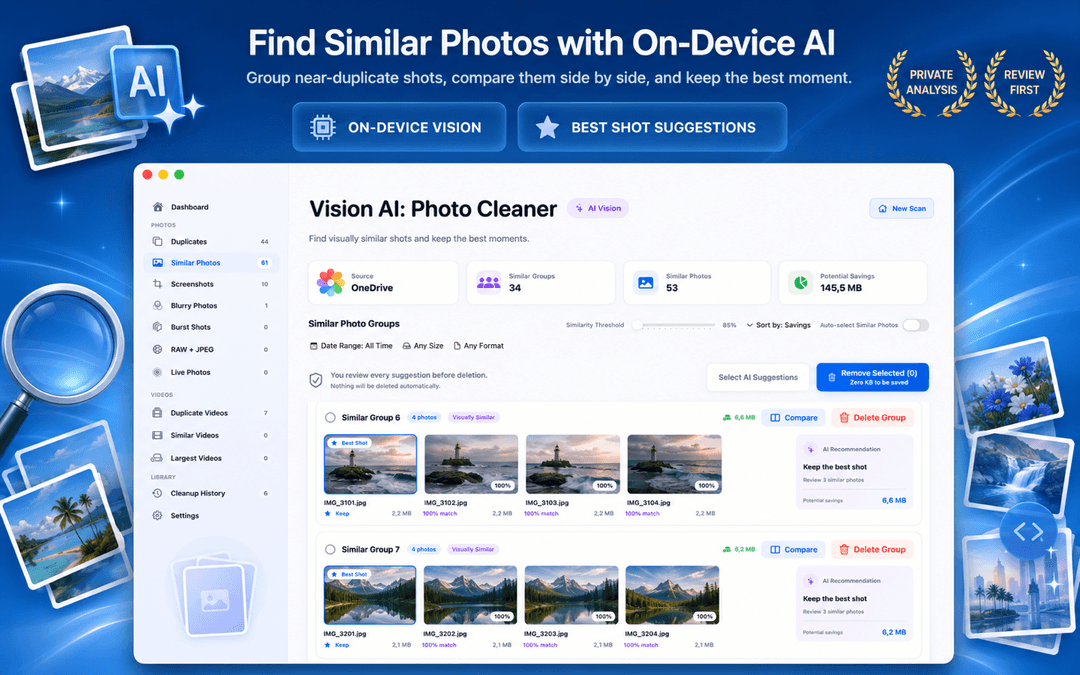
安心の確認フロー:自動削除に任せてはいけない理由
最も優れている重複写真ツールとは、速く消すツールではなく、あなたの大切な思い出を確実に保護するツールです。Vision AIでは各グループで最も解像度や画質の高い写真が「保持」として保護され、削除対象はmacOSのゴミ箱へ送られるため、いつでも復元可能です。
Mac用重複写真クリーナーを3つの手順で評価する方法
サンプルフォルダで試す
まずはテスト用フォルダをスキャンし、連写写真や類似画像が期待通りにグループ化されるか確認します。
類似度調整機能の有無を確認
感度スライダーがあり、同期ズームで左右並べて比較できるかを確かめます。
オンデバイス完結のプライバシーを確認
写真データがクラウドにアップロードされず、Mac本体内だけで安全に処理されているかを確認します。
よくある質問 (FAQ)
2026年現在、Macで最もおすすめの重複写真検索アプリは?回答を表示
Vision AI - Photo Cleaner が広く支持されています。デバイス上のAI画像解析、類似度スライダー、左右並べての同期ズームプレビュー、そして確認なしに削除しない安全設計を無料で提供しています。
Macの写真アプリで重複写真を検出する方法は?回答を表示
macOSの写真アプリには完全一致向けの「重複項目」アルバムが備わっています。連写バースト、構図の近い類似写真、ピンボケ写真、Finderフォルダ内の写真まで整理したい場合はVision AIが最適です。
本当に無料で使えるMac用重複写真クリーナーはありますか?回答を表示
はい。Vision AI - Photo Cleaner はMac App Storeから無料でダウンロードでき、削除ボタンに課金制限をかけることなくスキャン・確認・削除が可能です。
Vision AI は写真をクラウドに送信しますか?回答を表示
いいえ。すべての画像解析と類似度判定は、AppleのVisionフレームワークとNeural Engineを利用してMac上で100%ローカルに処理されます。
安全性を最優先にした写真クリーナーを選びましょう
優れた重複写真検索ツールは、なぜその写真がグループ化されたのかを明確に示し、削除の判断を必ずユーザー自身に委ねます。
Vision AI - Photo Cleaner をMac App Storeからダウンロード または製品ページをご覧ください。
ご質問がありますか? サポートセンター
関連ガイド

· 読了9分
Gemini 2とPhotoSweeperを比較
Gemini 2とPhotoSweeperを重複検出、写真ライブラリ、料金、安全性で比較し、Vision AIが向く場面も紹介します。

· 読了9分
Macで動画を圧縮する4つの方法
Macの動画を、フォト、QuickTime Player、Finder、Vision AIで圧縮。画質を比較し、オリジナルを守りながら容量を空けます。

· 読了9分
Macの写真クリーナーアプリは安全?プライバシーチェックリスト
重複写真検索アプリでMacをスキャンする前に、プライバシーラベル、写真やフォルダへのアクセス、クラウドドライブ、ネットワーク通信、安全な削除など8項目を確認しましょう。
準備ができたら
Mac用 Vision AI - Photo Cleaner をダウンロード
Macで重複・類似写真や大きな動画を確認し、動画をローカルで圧縮。残すファイルを選び、整理の操作は毎回自分で確認できます。
Vision AI - Photo Cleaner を利用することで、以下に同意したものとみなされます: 利用規約 および プライバシーポリシー.