
Macストレージを確認
システム設定 > 一般 > ストレージを開き、Appleの推奨事項とカテゴリ別容量を確認します。

Smart Cleaner AI - Disk Clean
macOS · macOS向け新登場
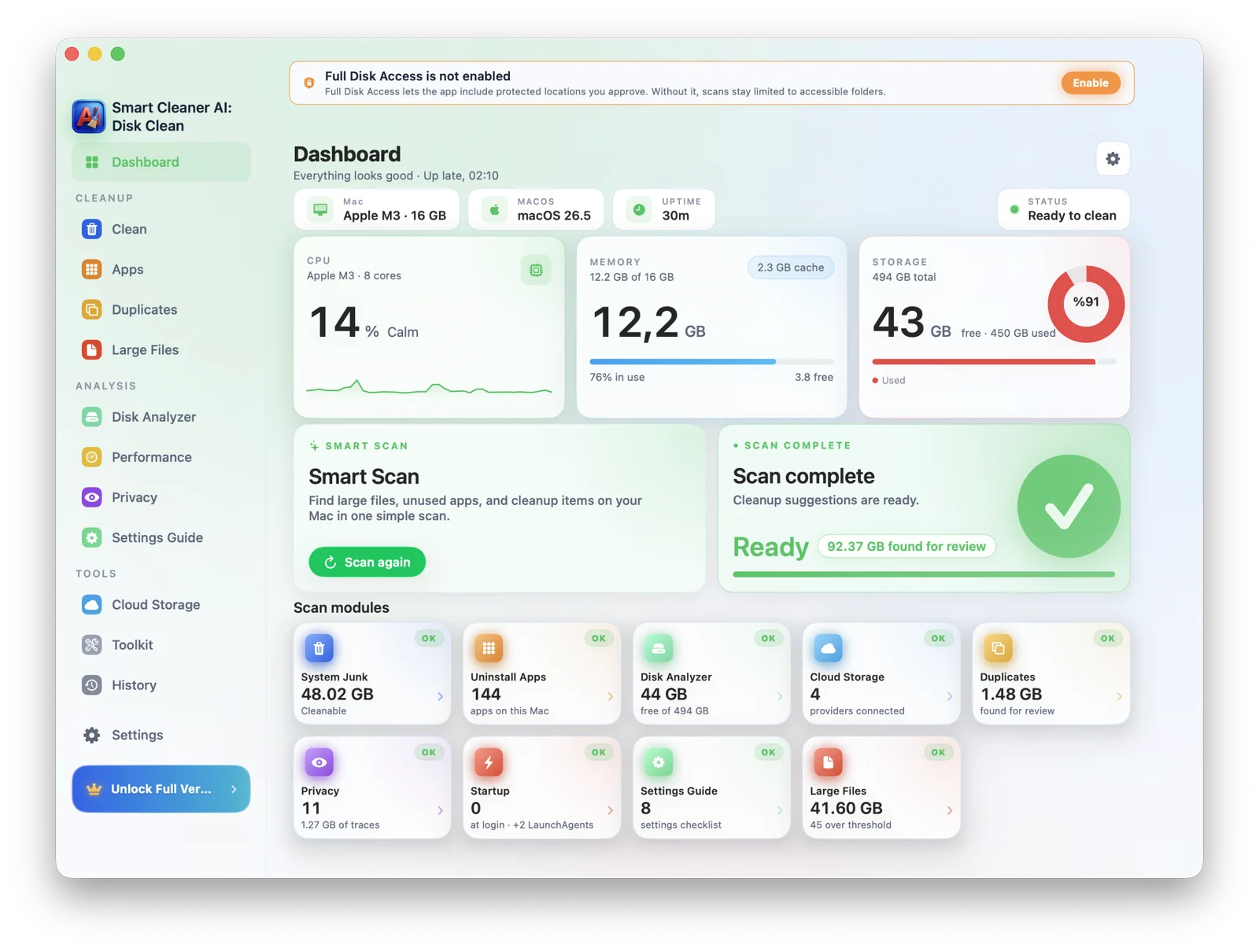
Smart Cleaner AI - Disk Cleanは、キャッシュ、アプリの残存ファイル、重複、大容量ファイル、未使用アプリを見つけ、Macの空き容量確保を支援します。削除前にすべて確認でき、解析はMac内で完結します。
Macストレージガイド
まずmacOSのストレージ設定で、容量を使っているカテゴリを確認します。次に、大容量・古いファイル、未使用アプリと残存データ、重複、ダウンロード、キャッシュを見直します。不明なシステムデータのフォルダを手動で削除しないでください。
システム設定 > 一般 > ストレージを開き、Appleの推奨事項とカテゴリ別容量を確認します。
大容量ファイル、古いダウンロード、重複、未使用アプリ、ローカル同期されたクラウドデータを解析します。
場所とプレビューを確認し、重要なものを残して、選択した項目だけをゴミ箱へ移動します。
対象ユーザー
MacBook Airが満杯の学生から、Proモデルで作業するクリエイターまで、Smart Cleaner AI - Disk Cleanはすべての人に静かで管理された場所を提供します。
macOSアップデート前に空きが足りないMacBook
巨大なFinal Cut/Logicライブラリのクリエイター
Xcodeキャッシュが20GB超の開発者
何年もの重複写真とダウンロードを抱えている方
機能
AIクリーンアップ、重複検出、大きなファイル、アプリアンインストーラ、起動管理、セキュリティ監査、Finderのように自然。
システムジャンク、キャッシュ、ログ、古いダウンロードを検出、安全に削除できるものを正確に提示。
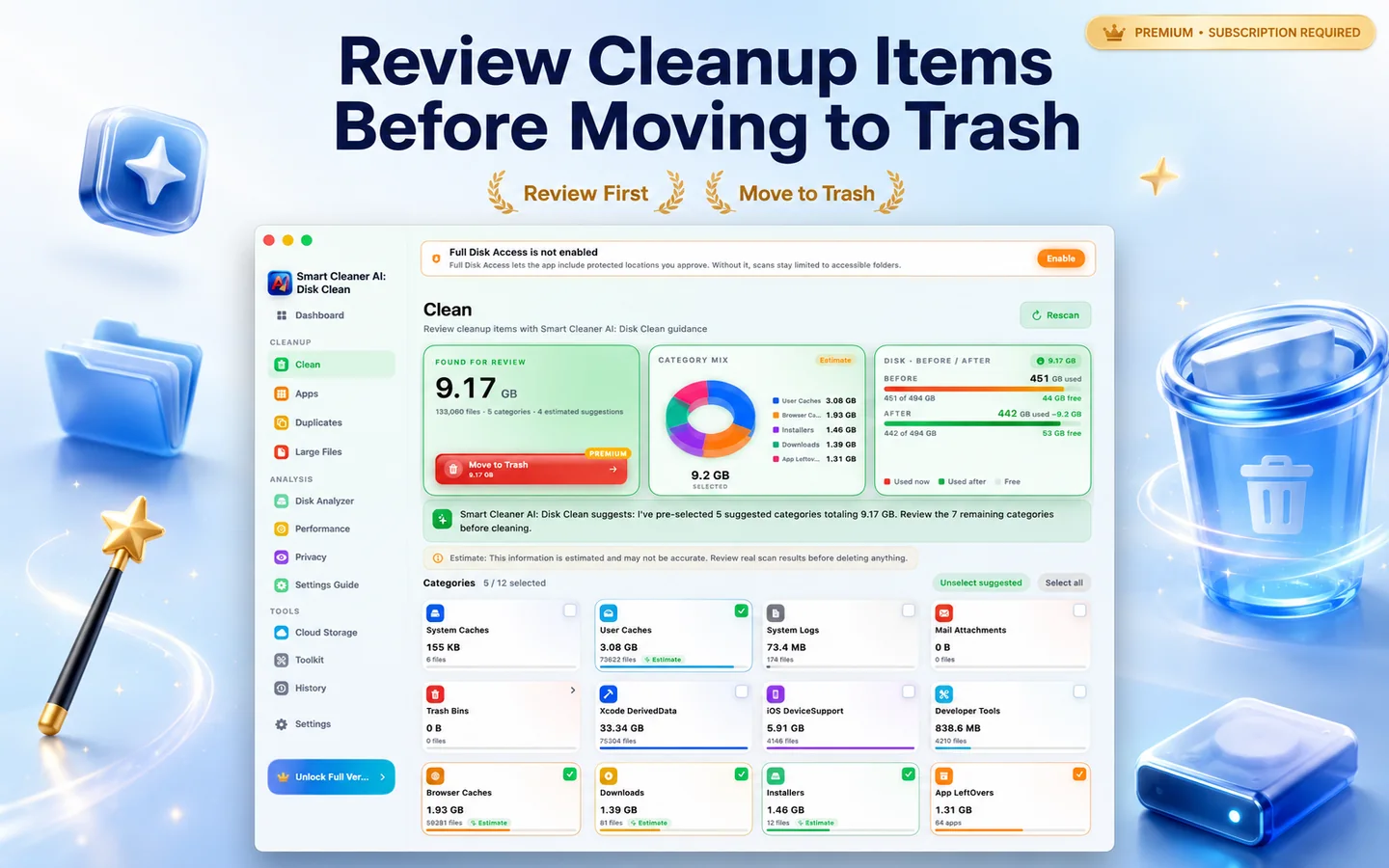
フォルダや外部ドライブの完全一致と類似の重複を検出。
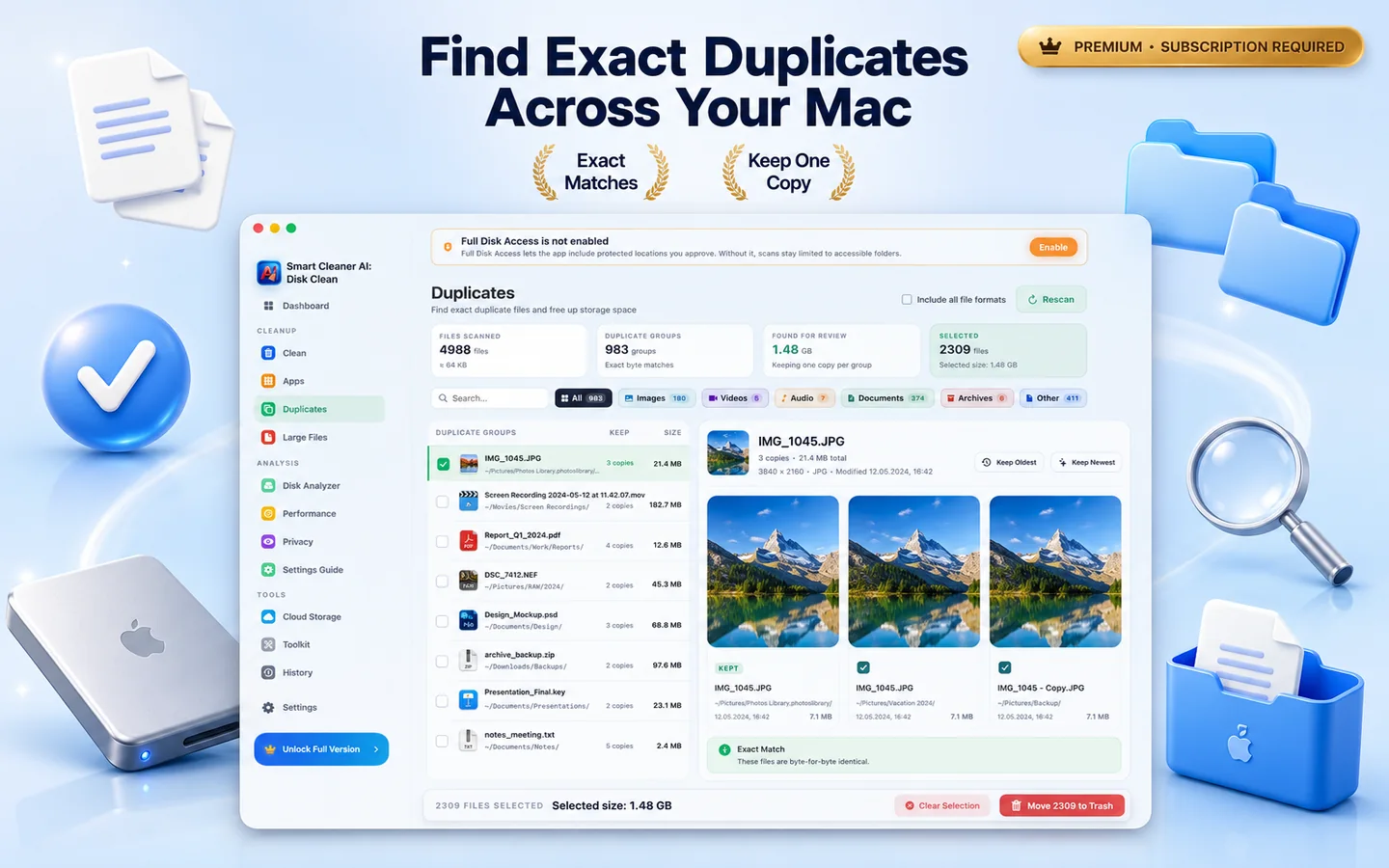
高速でインタラクティブなマップで容量を可視化。
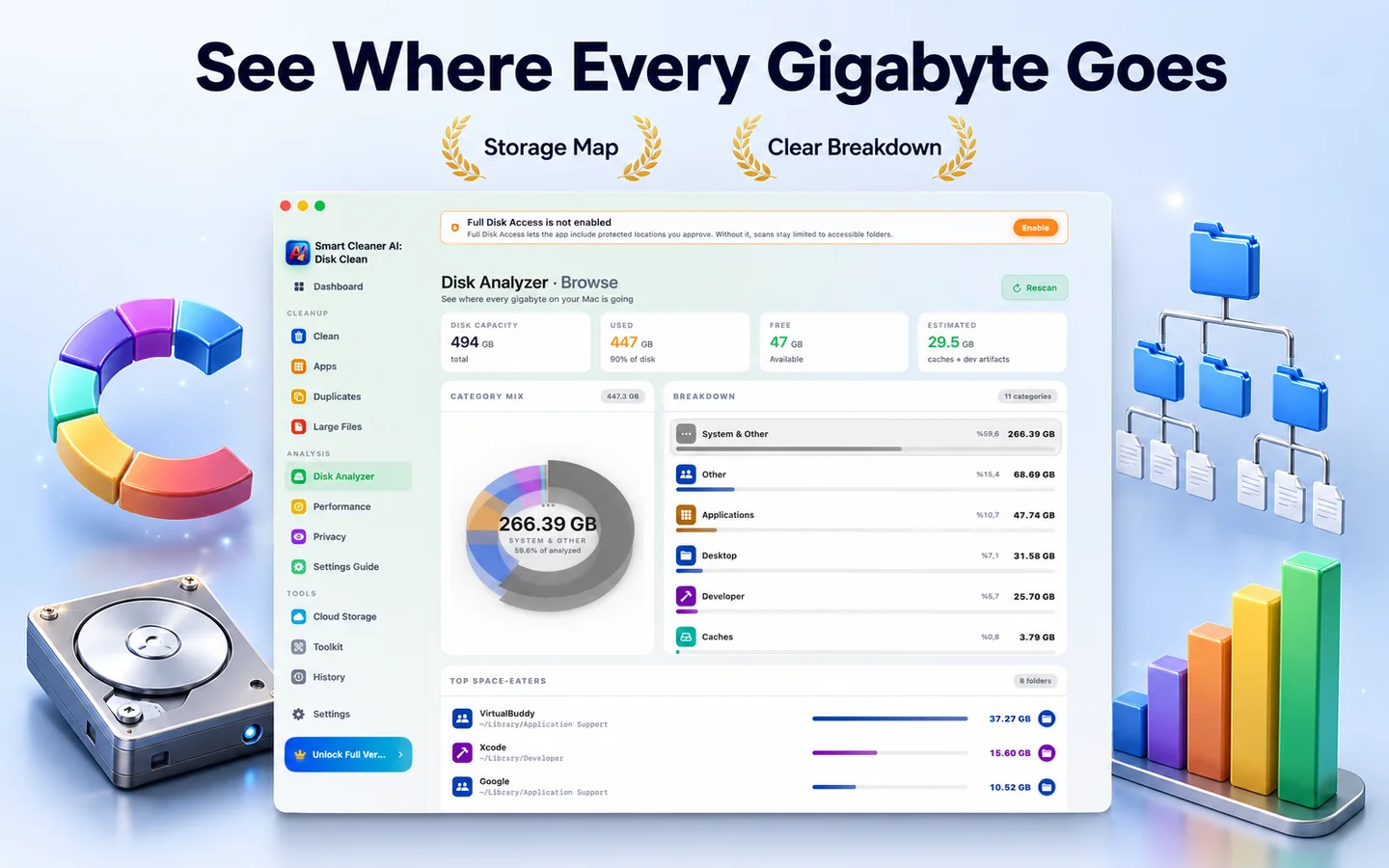
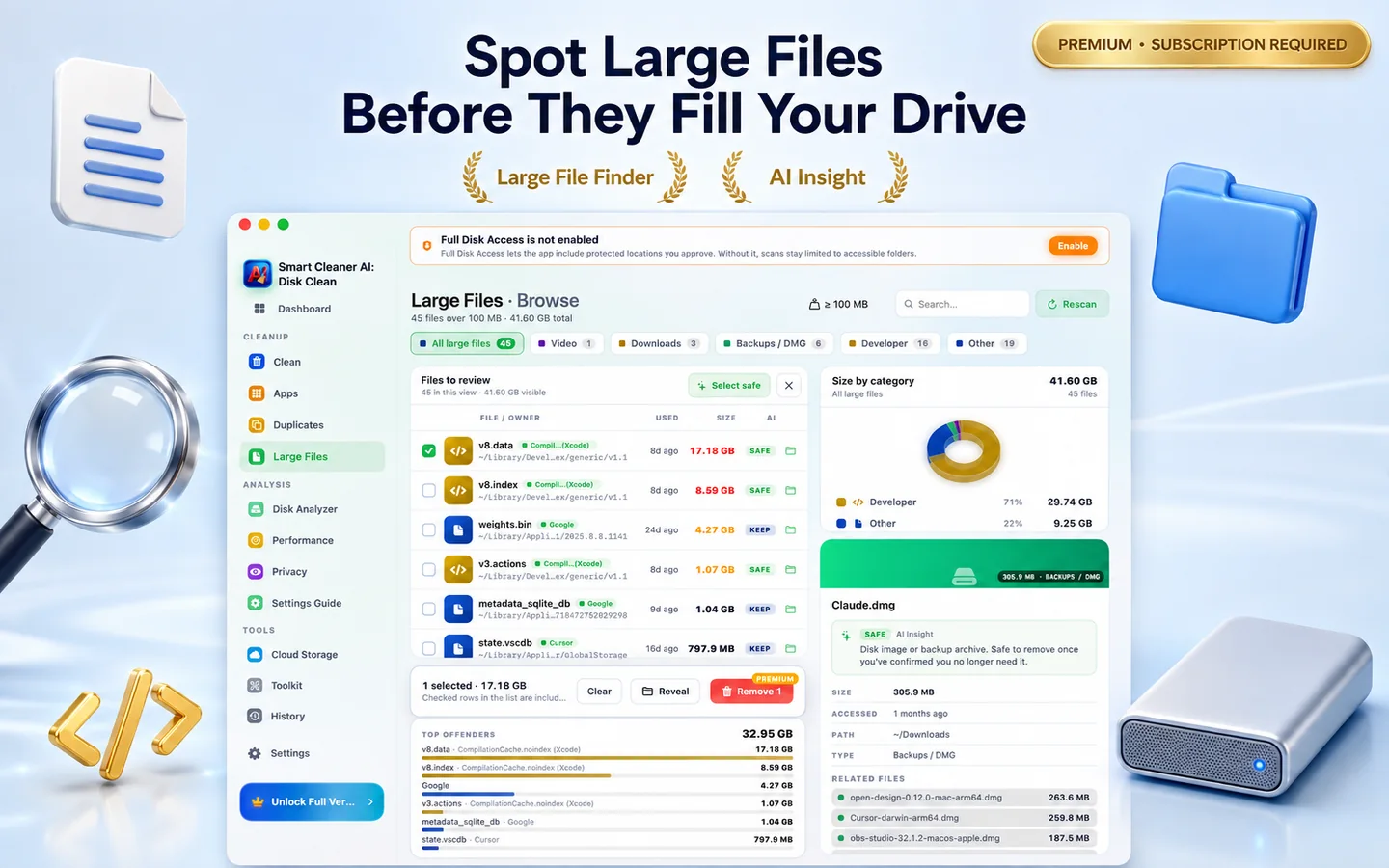
100MBを超える忘れたインストーラやプロジェクトを発見。
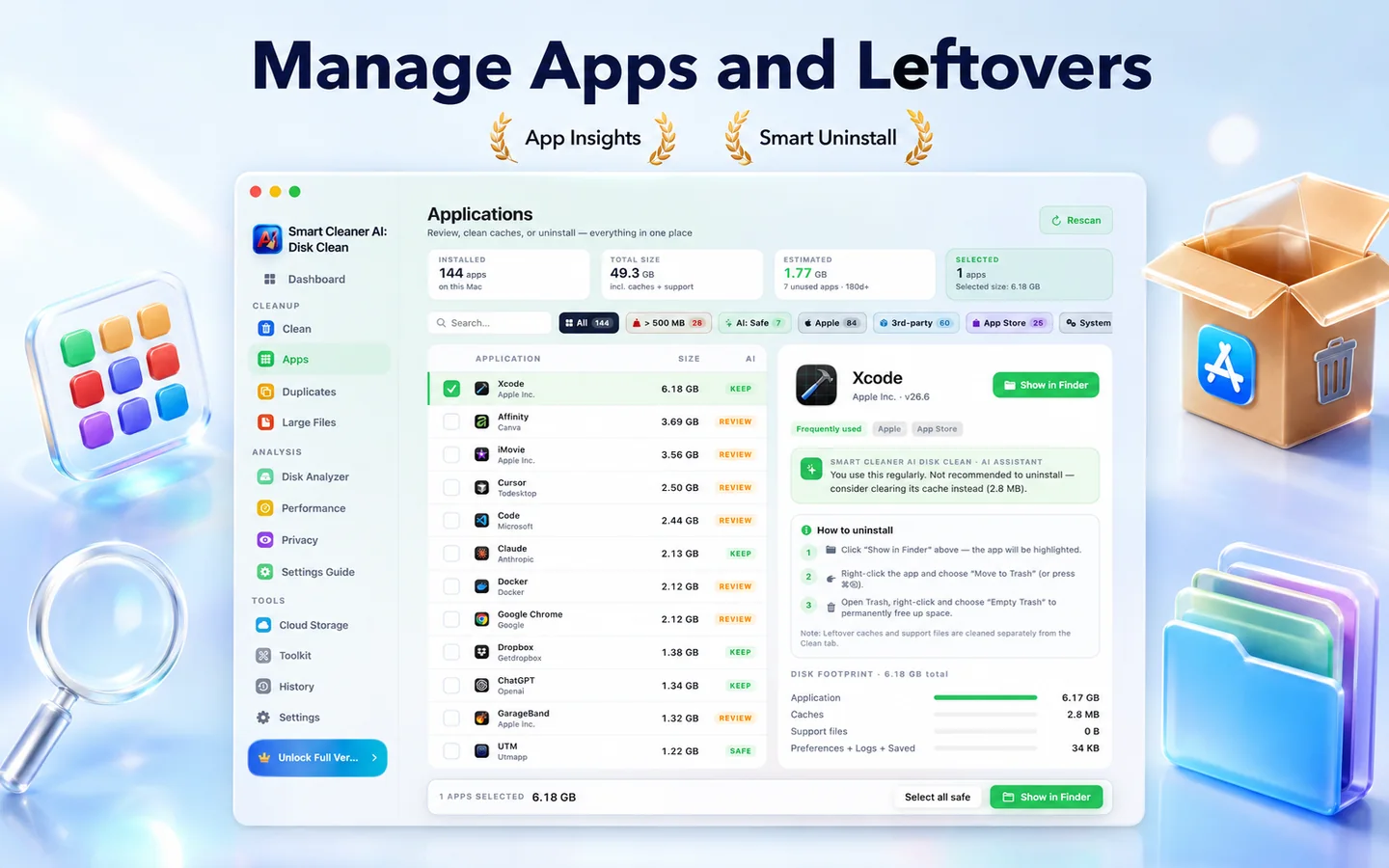
設定、キャッシュ、ログイン項目もまとめて削除。
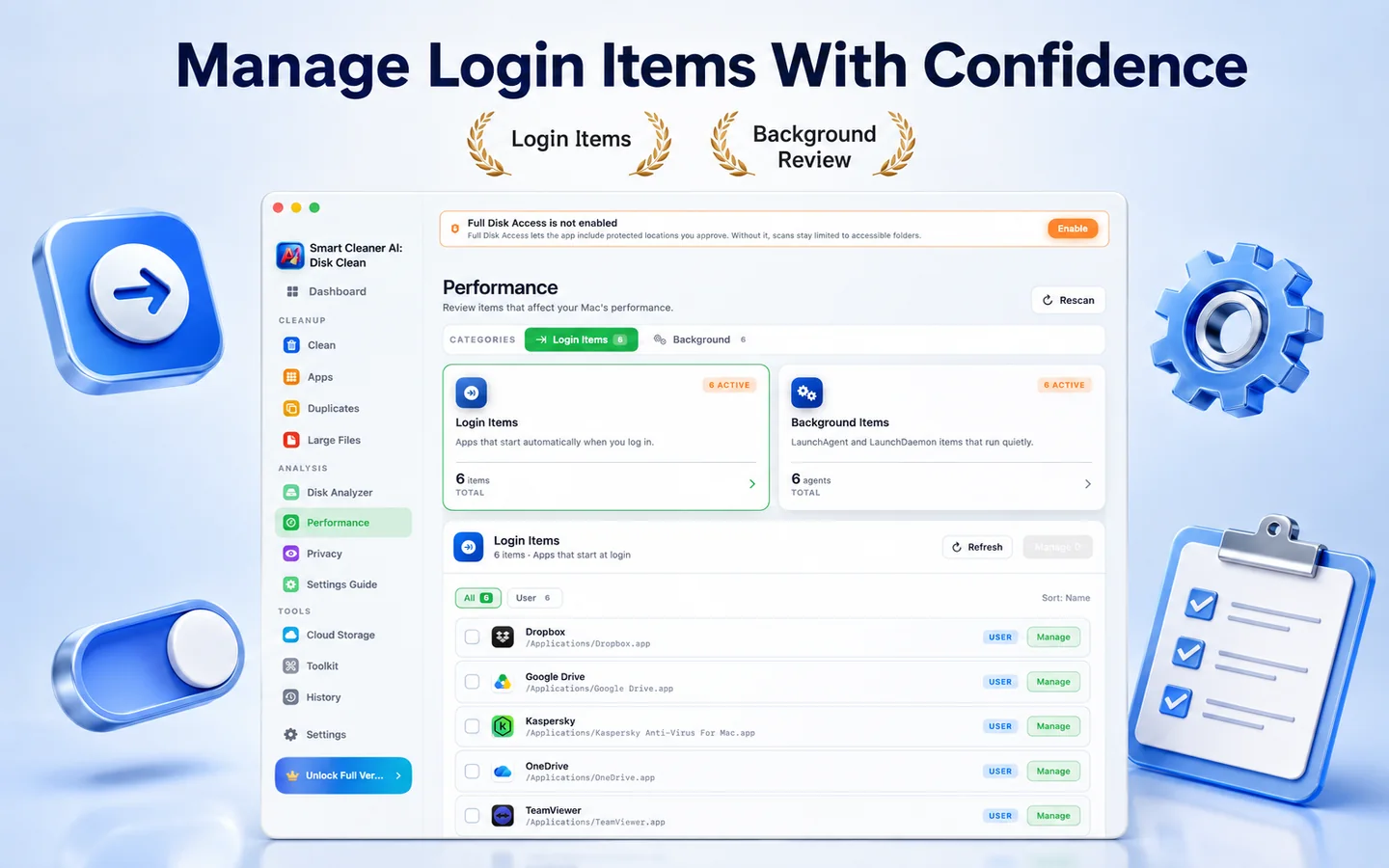
起動項目、Launch Agent、デーモン、バックグラウンドサービスを確認し、関連するシステム設定を開いてログイン時に読み込まれるものを整理できます。
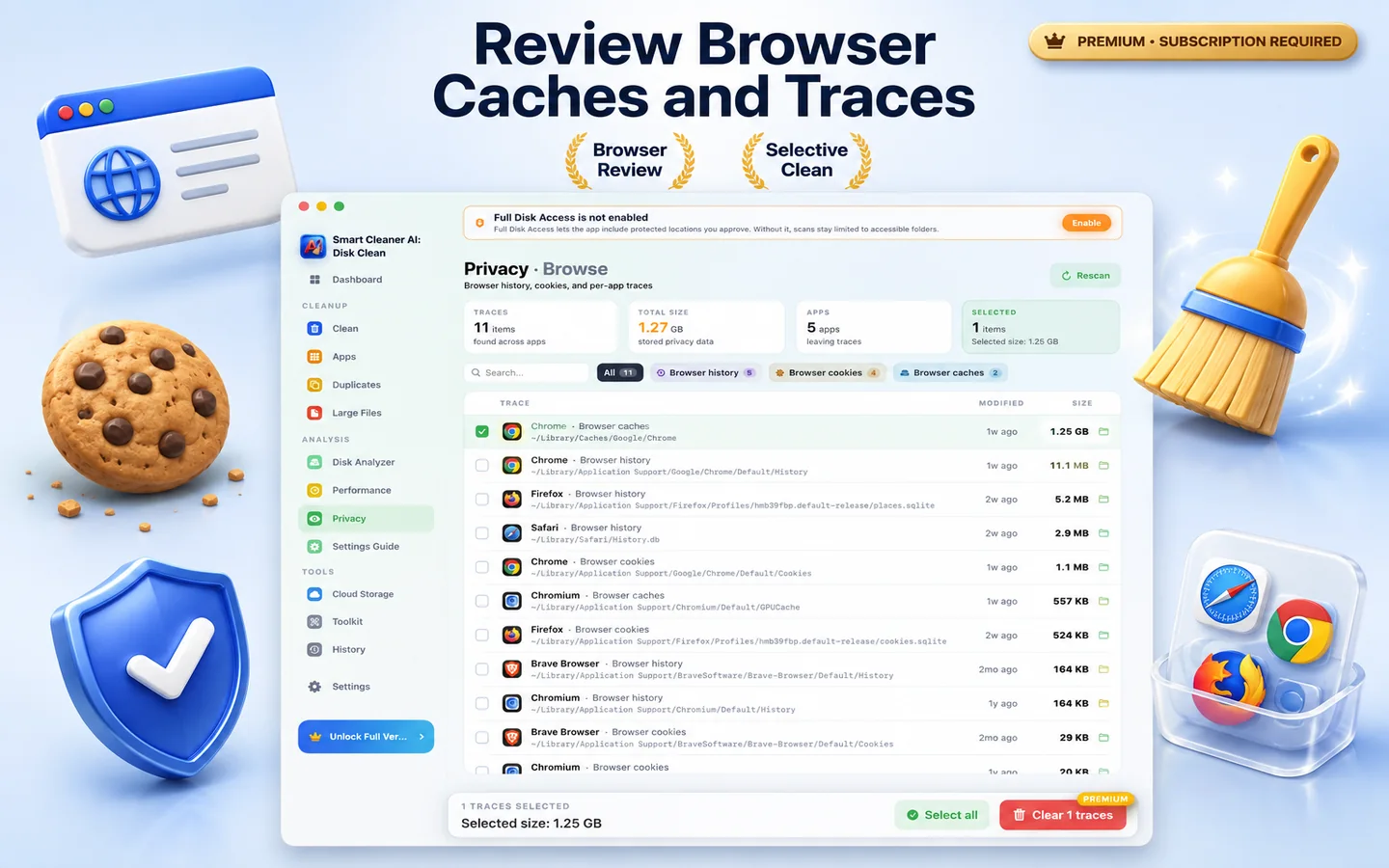
許可した場所にあるブラウザ履歴、Cookie、最近使ったファイル、チャットキャッシュを確認し、選んだ項目だけをゴミ箱に移動します。
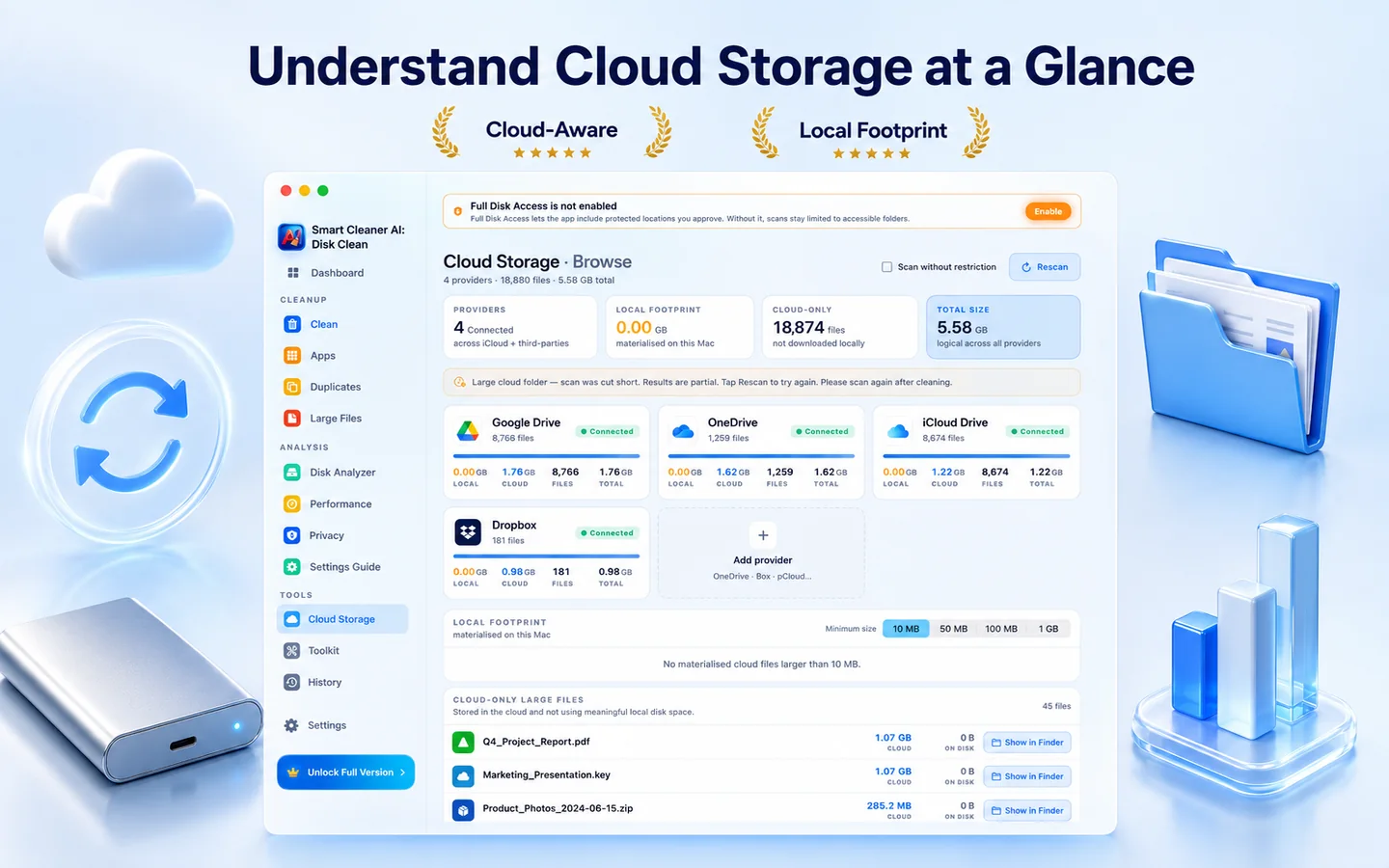
Mac上でローカルに同期されているクラウドフォルダを確認し、ディスクを占有しているキャッシュコピーを見つけて、不要になったローカルファイルを整理できます。
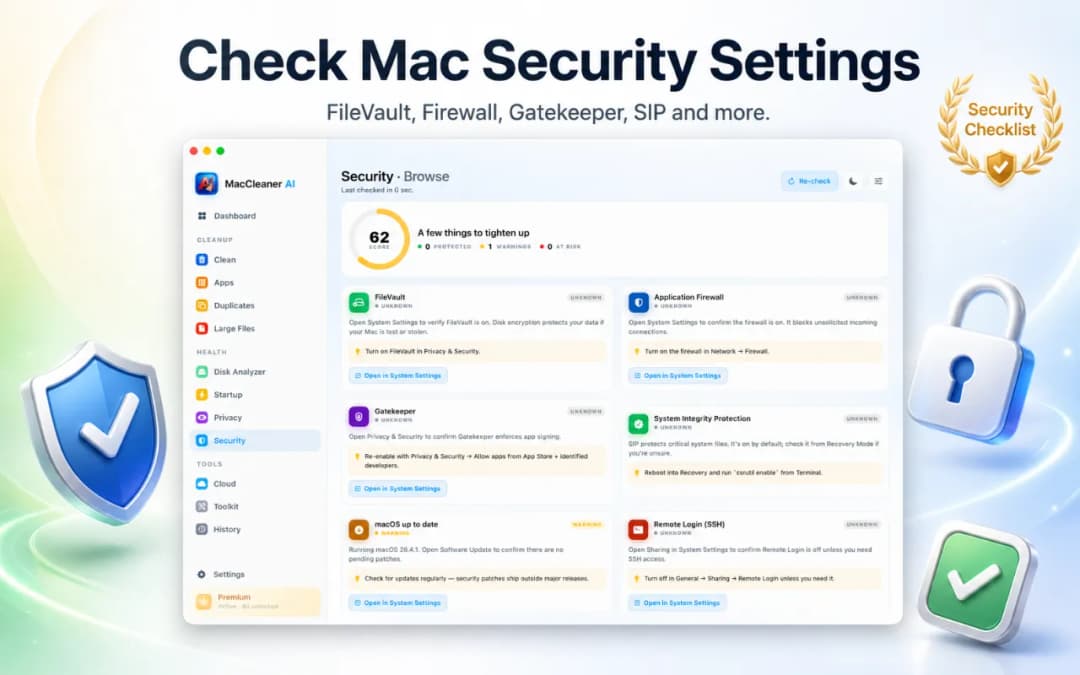
怪しい起動エージェント、ログイン項目、古いアプリを検出、Terminal不要。
画面フロー
ひとつのダッシュボード、ひとつの進捗バー、一度に一つの判断。Smart Cleaner AI - Disk Cleanはノイズを抑えます。
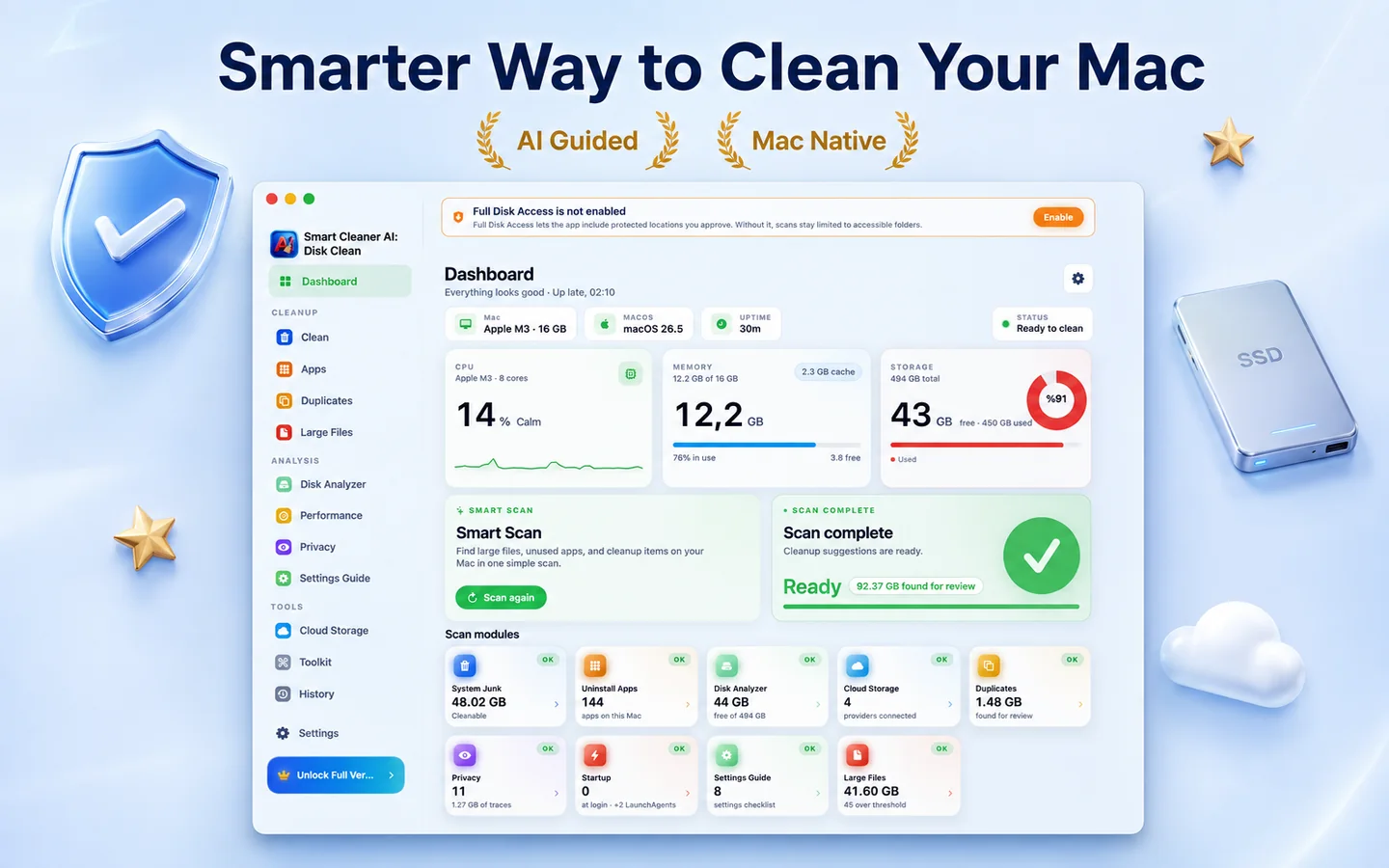
1分以内にディスク・キャッシュ・アプリを深く、プライベートにスキャン。
影響度でグループ化・並び替えされた結果を信頼できるプレビューで確認。
クリーンを押すだけ。重要なファイルは自動削除されません。
プライバシー
Smart Cleaner AI - Disk Cleanは端末内処理を中心に設計されています。ディスクのスキャン、重複の検出、クリーンアップの提案はすべてMac上で実行され、個人ファイルがアップロードされることはありません。
スキャン、AIランク付け、クリーンアップはすべてローカル。
インストール、起動、クリーン。ログインもメールも不要。
明示的なクリックなしに削除されません、ゴミ箱がデフォルト。
Mac App Storeで配信されるため、Appleのサンドボックス内で動作し、App Reviewを通過しています。
ストレージの内訳
スキャンはすべてデバイス上で行われます。一般に安全に削除できる項目と、確認が必要な項目をはっきり分けて表示します。
| カテゴリ | リスク | Smart Cleaner AIの扱い方 |
|---|---|---|
| アプリとユーザーのキャッシュ | 必要に応じて再作成される | 古いWebキャッシュ、サムネール、アプリの一時ファイル。アプリは必要なときにこれらのキャッシュを自動で再作成します。 |
| システムログと診断ログ | 通常は安全に削除可能 | 古いクラッシュログ、インストール記録、診断レポート。安全に削除してディスク容量を取り戻せます。 |
| 削除済みアプリの残りファイル | 確認後なら安全 | 削除したアプリが残した隠れたApplication Supportフォルダ、設定ファイル(plist)、ヘルパーを検出します。 |
| 重複ファイルとアーカイブ | 確認をおすすめ | 別々のフォルダに保存された同一のファイルやインストーラ。バイト単位で一致するものを並べて表示し、残すバージョンを選べます。 |
| 大きなファイルと忘れられたファイル(100 MB超) | 確認をおすすめ | 古い.dmgインストーラ、大きなzipアーカイブ、忘れられた書き出しファイルを最後に開いた日付順に並べ、手動での整理を助けます。 |
| 開発者キャッシュ(Xcode DerivedData) | 次回のビルドで再作成 | XcodeのDerivedDataとビルド成果物を削除すると安全に多くの容量を空けられますが、次回のビルドではインデックス作成とコンパイルに時間がかかります。 |
わかりやすいプラン
Macのスキャン、インタラクティブなディスクマップの確認、重複ファイルのプレビューは無料です。ワンクリックの整理やアプリの完全なアンインストールが必要になったらProへ。

似た写真をしっかり整理したいですか?
Smart Cleaner AIはMacのシステム全体のためのアプリです。ディスクマップ、アプリのアンインストール、キャッシュに対応します。Apple「写真」ライブラリの徹底した整理、似た連写のグループ化、Live Photosの管理には、専用アプリのVision AIをご覧ください。
FAQ
はい。Smart Cleaner AI - Disk CleanはネイティブApple SiliconアプリでApple シリコン搭載のすべての Mac でネイティブに動作します。macOS 14.6以上のIntel Macも対応。
はい。明示的に安全なファイルのみを提案します。標準ではゴミ箱に移動するので復元可能です。
お使いのMacと使い方によって大きく異なります。数値をお約束する代わりに、見つかった各カテゴリの正確なサイズを表示するので、削除する前にご自身のディスクの実際の数値を確認できます。
決してされません。すべて端末内処理です。
Smart Cleaner AI - Disk Cleanはわかりやすさを重視しています。スキャンはMac上で行われ、第三者によるトラッキングはなく、ゴミ箱に移す前に各項目の内容を確認できます。
アプリのダウンロードは無料で、Macを調べる機能はすべて無料で使えます。Smart Scan、ディスク解析、クラウドストレージの概要、アプリの残存ファイル検出、ログイン項目の管理、AI提案が対象です。実際のクリーンアップ操作(システムジャンク、重複、大きなファイル、プライバシー痕跡、ダウンロードやスクリーンショットの削除)にはYearly Proまたは買い切りのLifetime Proが必要です。アプリのアンインストールにも Pro が必要です。
システム設定 > 一般 > ストレージでAppleの推奨事項を確認し、大容量ファイル、ダウンロード、未使用アプリ、重複を見直します。Smart Cleaner AI - Disk Cleanはこれらを一か所で確認でき、対応項目を自動削除せずゴミ箱へ移動します。
システムデータは、キャッシュ、ログ、一時データ、アプリのサポートファイルなど、他のカテゴリに属さないファイルをまとめたmacOSの分類です。容量は変動します。削除前に場所とサイズを確認してください。
空き容量の回復、不要なログイン項目の削減、アプリ残存ファイルの除去には役立ちますが、高速化を保証するものではありません。最大の利点はストレージ使用状況を把握できることです。