Screenshot Cleaner: Declutter Your iPhone Gallery in Minutes
Too many screenshots? Learn a practical method to remove old receipts, expired codes, and duplicates without deleting important images.


Your Camera Roll Called. It Wants Fewer Receipts.
There is a very specific kind of chaos that only screenshots can create. One minute you save a boarding pass, one meme, and a recipe you swear you will make on Sunday. Three months later your Photos app looks like a filing cabinet assembled by raccoons.
A proper screenshot cleaner is not about deleting your life. It is about removing the clutter that piles up quietly: duplicate payment confirmations, blurry product comparisons, expired QR codes, and twelve versions of the same "look at this" message thread. Your actual vacation photos deserve better roommates.
The good news is that cleaning screenshots is one of the fastest ways to make your iPhone feel less stuffed and your gallery less ridiculous. Also, if your camera roll contains 47 screenshots of the same sofa in slightly different beige, no judgment. Mild judgment, maybe. But no official judgment.
1. Why Screenshots Multiply Faster Than Rabbits
Screenshots feel temporary, which is exactly why they stay forever. You capture a password hint, a map, a concert ticket, or a skincare routine, then move on with your life. The image has done its job in ten minutes, but it keeps occupying storage like a tenant who never learned about leases.
Unlike regular photos, screenshots are usually reference material, not memories. That makes them the easiest category to review in batches. If you can separate "I need this for two hours" from "I want this next year," you can clear out a shocking amount of noise without touching the moments you actually care about.
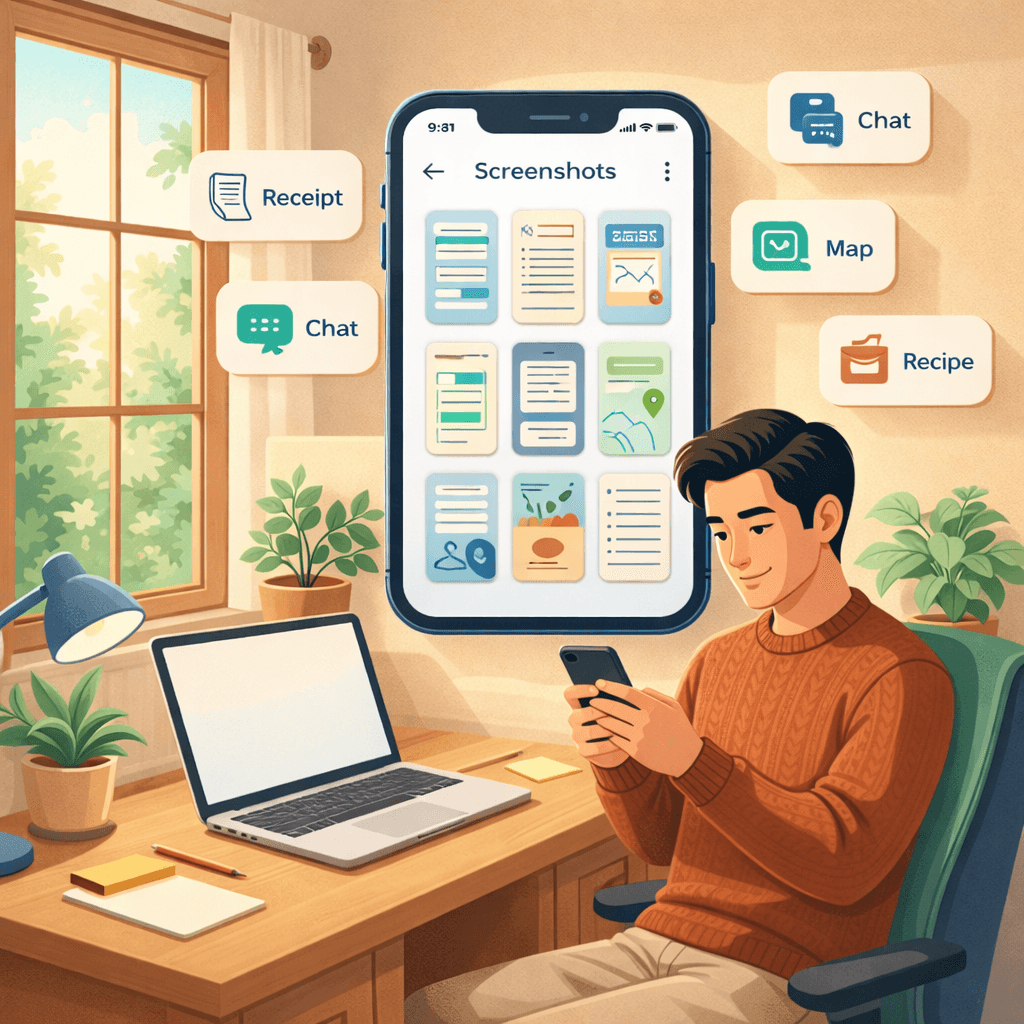
2. The Smart Way to Clean Them Without Nuking Something Important
The old method is painful: open Photos, tap, scroll, tap, regret, repeat. It works, but it also makes a five-minute task turn into a small administrative tragedy. A screenshot cleaner works better when it groups screenshots together, surfaces the biggest space hogs, and lets you review them in context.
Start with the obvious throwaways. Delivery tracking pages, login codes, old shopping carts, duplicated receipts, and event confirmations from last month are low-risk deletions. Then move to near-duplicates: five screenshots of the same article, three saved train times, four versions of the same joke you sent to three different group chats because apparently you are committed to distribution.
If an image still has a real job, keep it. If its job expired in February, let it go with dignity.
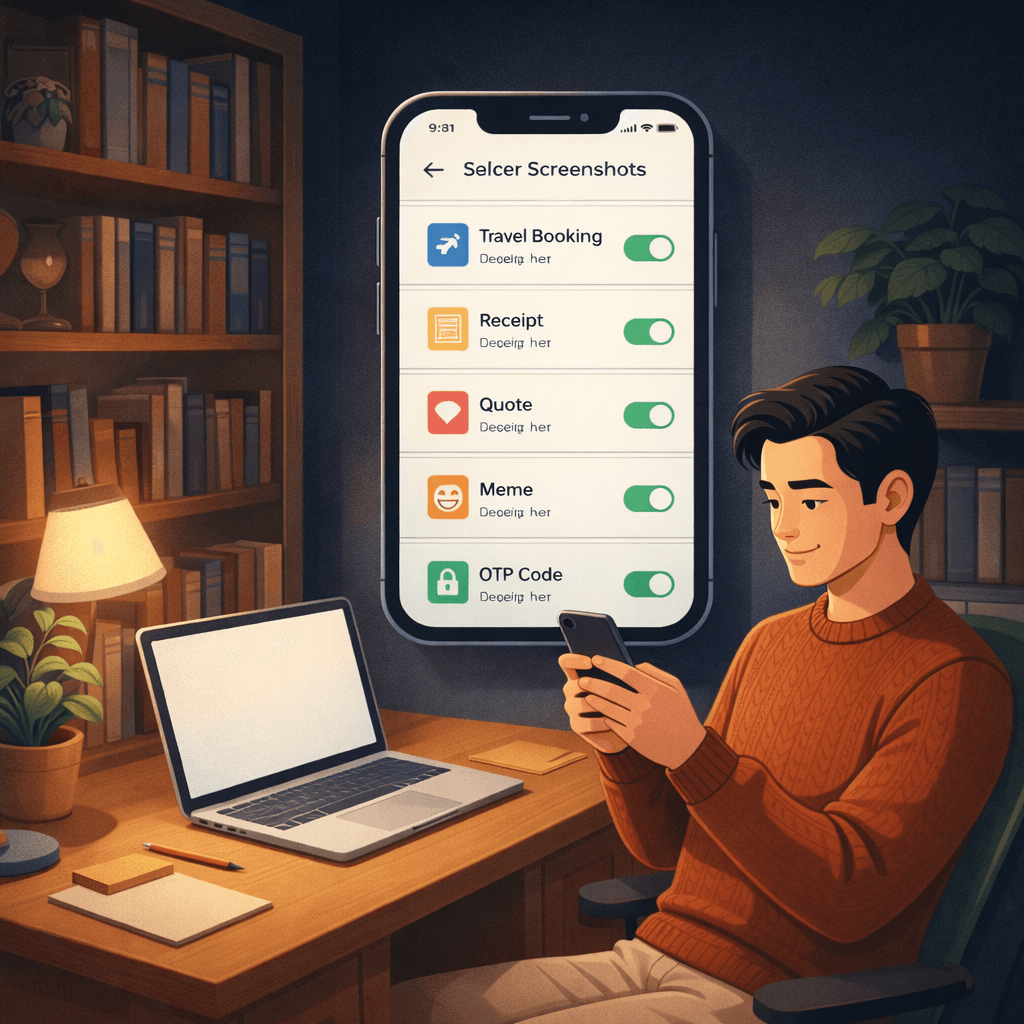
3. What You Gain Besides Storage
Yes, you free up space. That part is great. But the underrated benefit is visual sanity. Searching your library gets easier. Sharing actual photos gets easier. Finding the one document you intentionally saved becomes possible again. Your camera roll stops feeling like a junk drawer with a battery problem.
And because screenshots are often the disposable layer of your library, cleaning them gives you a fast win without the emotional tax of sorting family photos. Nobody gets sentimental about an expired discount code. If they do, they probably need a different blog post.
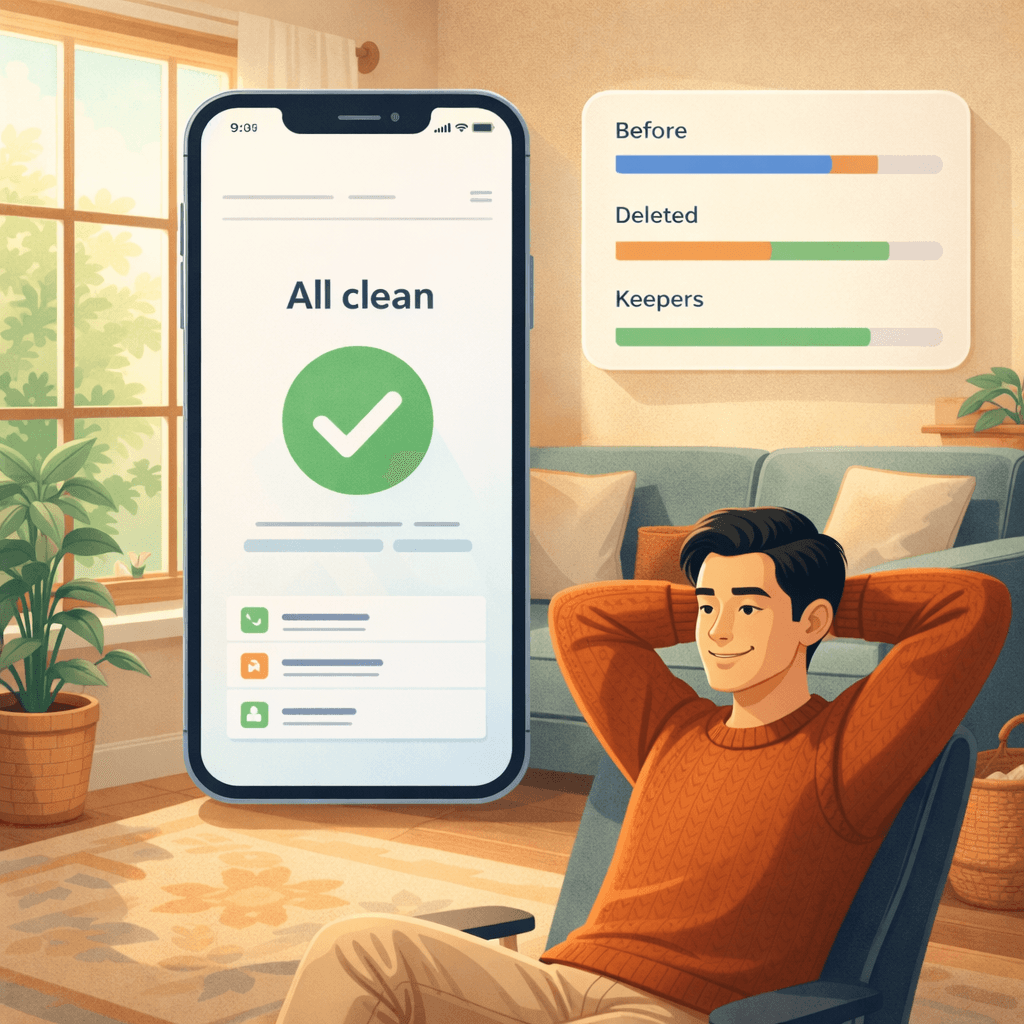
How to Clean Screenshots Without Regret
Filter screenshots first
Start inside the screenshots category so you review low-emotion clutter before touching the rest of your photo library.
Delete obvious throwaways in batches
Clear tickets, codes, receipts, old shopping lists, and repeated references first because they have the lowest chance of being needed later.
Do a fast weekly reset
Spend two minutes each week removing fresh screenshots so they never pile into a multi-month cleanup project.
Screenshot Cleaner FAQ
Q: Are screenshots really worth cleaning separately?
A: Yes. They are usually reference material, not memories, so they are one of the safest categories to review and delete in bulk.
Q: Can screenshot cleanup free meaningful storage?
A: Absolutely. Frequent screenshot habits can easily create hundreds or thousands of files that add up over time.
Q: What screenshots should I keep?
A: Keep anything with an active job such as current tickets, account info, receipts you still need, or reference images you still use.
Q: How often should I clean screenshots?
A: A short weekly pass is usually enough to prevent buildup and keep your gallery easier to navigate.
Q: Can a screenshot cleaner help me find duplicates too?
A: Yes. A good cleaner can surface repeated or near-identical screenshots so you do not manually compare them one by one.
The Bottom Line
A screenshot cleaner is one of the least dramatic, most satisfying ways to tidy an iPhone. Delete the clutter, keep the useful bits, and give your real photos some breathing room. Your storage meter calms down, and your camera roll stops looking like an accidental archive of every minor thought you had since January.
Have questions? Support Center
Scientific Sources
Henkel LA. (2014). Point-and-shoot memories: The influence of taking photos on memory for a museum tour. Psychological Science. SAGE Journals
Barasch A, et al. (2017). Photographic memory: The effects of volitional photo taking on remembering visual and auditory aspects of an experience. Psychological Science. Wharton
Lurie NH, Westerman DL. (2021). Photo-taking impairs memory on perceptual and conceptual memory tests. Journal of Experimental Psychology: General. ScienceDirect
Stec M, et al. (2021). Externalizing autobiographical memories in the digital age. Trends in Cognitive Sciences. ScienceDirect
Related guides
· 9 min read
Are iPhone Cleaner Apps Safe? A Privacy Checklist
Before you give a cleaner app access to your photos, check these 9 things: privacy labels, permissions, network activity, subscriptions and deletion safety.
· 9 min read
Why Is My iPhone Slow? Storage Problems and Safe Fixes
Low storage can slow an iPhone, but network conditions, battery health and unresponsive apps also matter. Diagnose the cause and recover space without deleting blindly.
· 9 min read
iCloud Storage Full but iPhone Has Space: What’s the Difference?
iCloud storage and iPhone storage are separate. Learn what each full-storage warning means, what stops syncing, and how to free the right space safely.
Ready when you are
Download Photo Cleaner - Storage Space for iPhone
Remove duplicate photos, compress videos, and organize contacts with a privacy-first cleanup flow.

By using Photo Cleaner - Storage Space, you agree to our Terms of Use and Privacy Policy.