La mejor forma de usar el Apple Watch como recordatorio de agua
Cómo convertir el Apple Watch en un verdadero coach de hidratación: registro con un toque desde la muñeca, objetivos basados en actividad y una complicación de esfera para ver tu progreso.



La mejor forma de usar el Apple Watch como recordatorio de agua
Tu Apple Watch ya te anima a respirar y ponerte de pie. Convertirlo en un auténtico entrenador de hidratación solo requiere una app adecuada, marcando una gran diferencia al unificar aviso y registro en tu muñeca.
Water Reminder - DropWise fue creada pensando en el reloj como pantalla principal. Es gratis en el App Store. Así es como se configura de forma ideal.
Lo que debe ofrecer un recordatorio de agua en el Apple Watch
Una simple notificación no es un sistema completo
Muchas apps se limitan a enviar un zumbido y te obligan a buscar el teléfono para registrar datos. Eso anula la gran ventaja del reloj: registrar una toma en menos de dos segundos.
DropWise te permite pulsar el tamaño de un vaso directamente en la pantalla del reloj, sincronizándose de inmediato con Apple Health y tu iPhone.
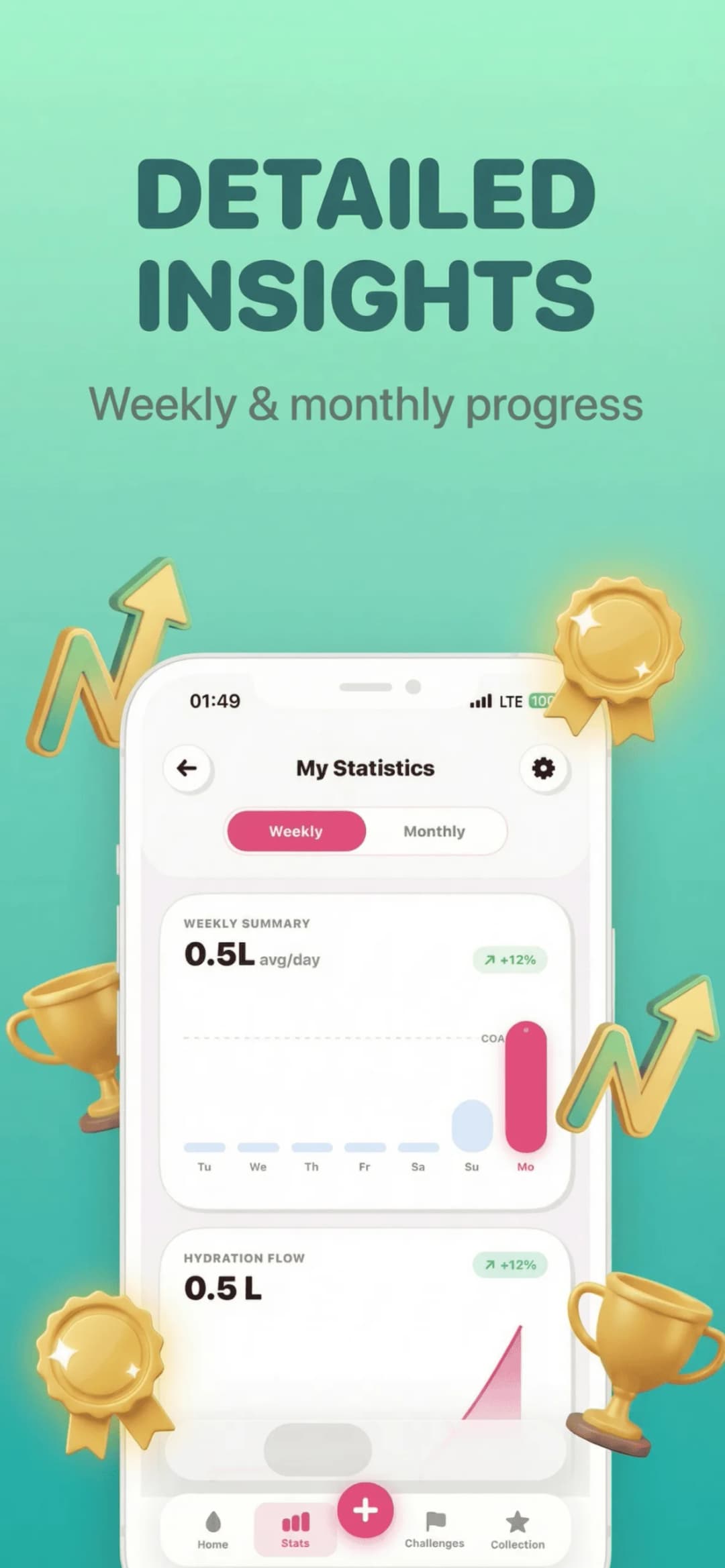
Tu reloj sabe cuánto te mueves: aprovéchalo
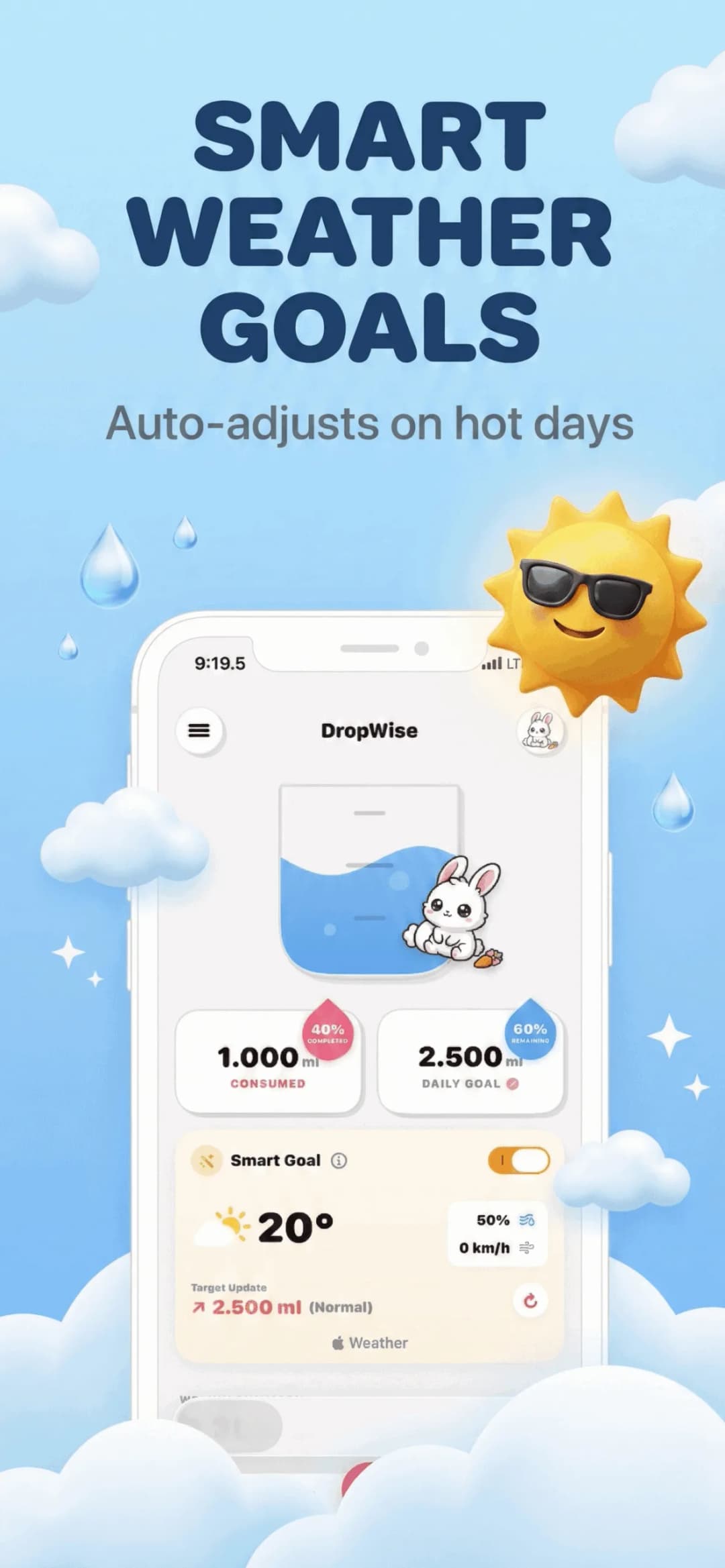
El Apple Watch monitoriza entrenamientos y pulso durante todo el día. Fijar una meta de agua invariable ignora esta valiosa información.
DropWise lee los datos de Apple Health para que una caminata larga o una carrera eleven tu meta diaria sin ajustes manuales.
Añade una complicación para no tener que abrir la app
La forma más efectiva de mantener el hábito es comprobar el progreso sin esfuerzo. Una complicación en la esfera te muestra lo que llevas bebido cada vez que miras la hora.
Configura tu recordatorio de agua en tres sencillos pasos
Instala DropWise y enlaza el reloj
La aplicación para Watch se instala automáticamente junto a la de iPhone.
Añade la complicación a tu esfera
Mantén presionada tu esfera, pulsa Editar y añade DropWise como complicación.
Registra desde la muñeca
Toca el tamaño de vaso cada vez que bebas sin desbloquear el móvil.
Preguntas frecuentes
¿Necesito llevar el iPhone para registrar agua en el reloj?Mostrar respuesta
La app del Watch se sincroniza con el iPhone, pero puedes registrar tomas de forma autónoma desde la muñeca.
¿Tiene en cuenta mis datos de entrenamiento?Mostrar respuesta
Sí, DropWise lee la actividad física desde Apple Health para calibrar tus necesidades de líquidos.
¿Es compatible con las complicaciones de esfera?Mostrar respuesta
Sí, DropWise dispone de complicaciones para las esferas más populares de watchOS.
¿DropWise es gratuita?Mostrar respuesta
Sí, es totalmente gratuita tanto para iPhone como para Apple Watch.
Tu muñeca es el lugar idóneo para construir este hábito
Un recordatorio que te permite confirmar tu vaso en dos segundos consolida el hábito mucho mejor que una notificación pasajera.
Descargar Water Reminder - DropWise en el App Store o ver la página del producto.
¿Tienes preguntas? Centro de Soporte
Guías relacionadas

· 9 min de lectura
Señales de deshidratación: síntomas y cuándo pedir ayuda
Conoce las primeras señales de deshidratación en adultos, de la sed y la orina oscura al mareo, qué síntomas requieren atención urgente y cómo rehidratarte.

· 9 min de lectura
¿El café cuenta como agua? Lo que dice la ciencia
¿El café cuenta para tu consumo diario de agua? Mira qué dicen los estudios sobre cafeína e hidratación, cuánto es demasiado y cómo registrarlo.

· 9 min de lectura
¿Tu app para recordar beber agua respeta tu privacidad? Lista de datos de salud
Las apps de hidratación pueden ver tu peso, tus rutinas y tus datos de Salud. Revisa estos 8 puntos antes de dar acceso: etiquetas de privacidad, permisos de Salud, sincronización y más.
Listo cuando lo estés
Descargar DropWise para iPhone
Realice un seguimiento de la hidratación de forma más inteligente con recordatorios, sincronización de Apple Health y un flujo que prioriza la privacidad.
Al utilizar DropWise, aceptas nuestra Términos de uso y Política de privacidad.